Again using Rhino to create wireframe 2D files from STL. This are the ones needed to make those acrylic lamps. I cannot test them myself as i have a dead tube. If anyone is interested i can make them for you.

Hit me up brother!!! Get one of a USA B-29 bomber plane I was going to make one my self but if you want the practice 
Not to mention I have 13-14 300mmx300mm squares of acrylic…
Sure, wheres the file
Ariel Need check but feel have free procedure for that without use rhino now breakfast… drive and when have time in office check.
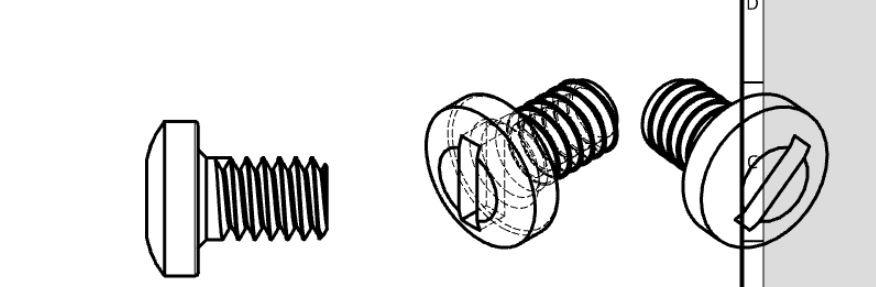
Interesting @Mauro_Manco
For those looking for a free tool to do this, Blender includes a renderer called Freestyle that can output SVG files. It has many parameters that can be played with for deciding which lines get drawn, and/or more creative depictions of the mesh (a more sketchy style is possible, for example).
@kongorilla I will have to try blender, I had forgotten about it
@kongorilla I’m unable to get the complete wireframe just the contour with freestyle.
@Ariel_Yahni_UniKpty There are soooo many parameters. The manual is here:
https://docs.blender.org/manual/en/dev/render/freestyle/index.html
The specific part about what gets drawn is here:
https://docs.blender.org/manual/en/dev/render/freestyle/parameter_editor/line_set.html
If you still can’t get it to work after reading that stuff, hit me again.
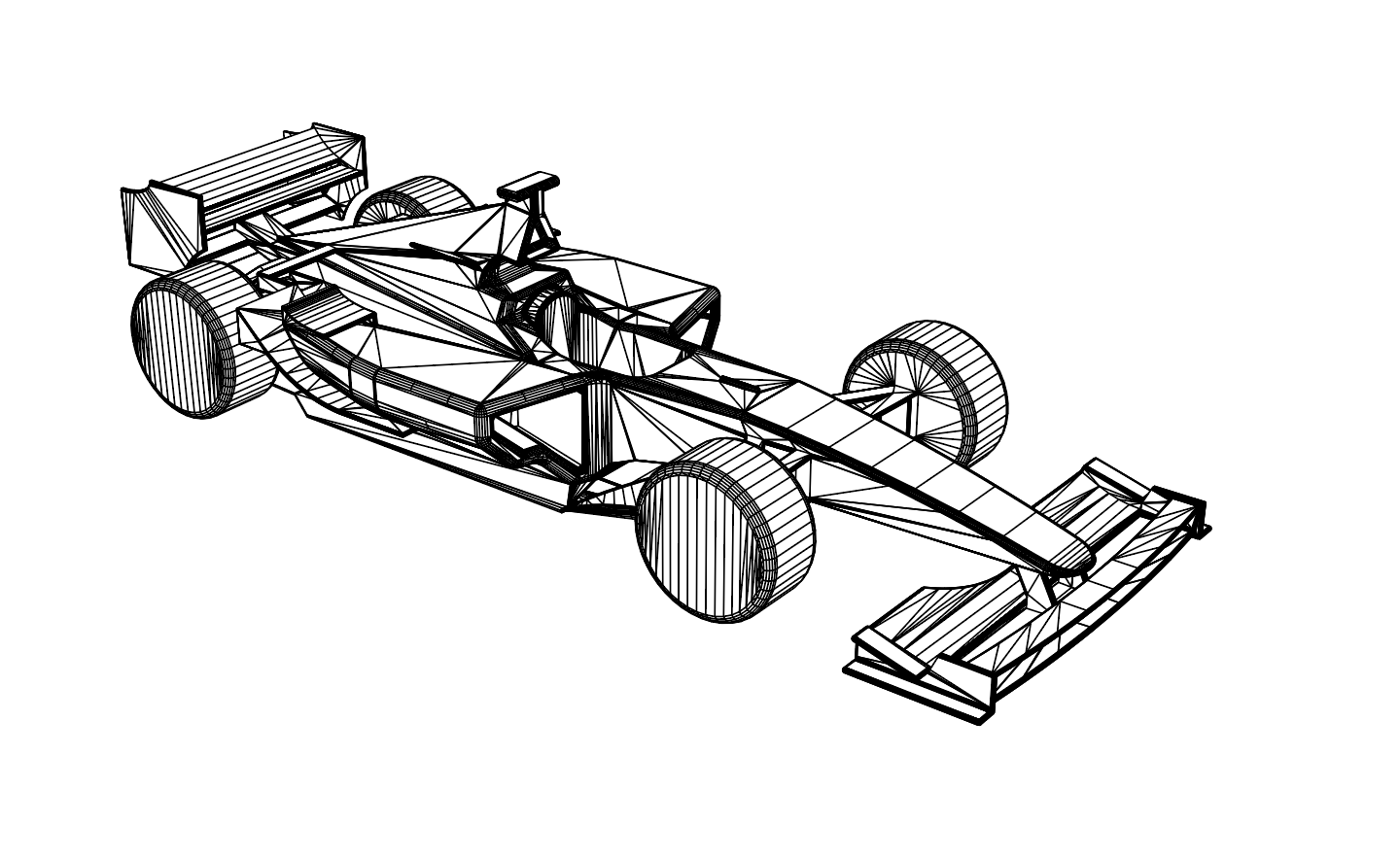
Maybe remove all lines that are not quads? ( i did convert to quads)
@Ariel_Yahni_UniKpty I don’t know of a “draw only quads” setting. That would be useful. The laborious way is to mark only the edges you want drawn. The more automatic way (assuming your quads are reasonably planar) is to use “crease” instead of marks and choose the angle threshold that draws the edges you want. You can also mark certain edges to not be drawn.