@ben_crawford Here are some pics of the bed I made.

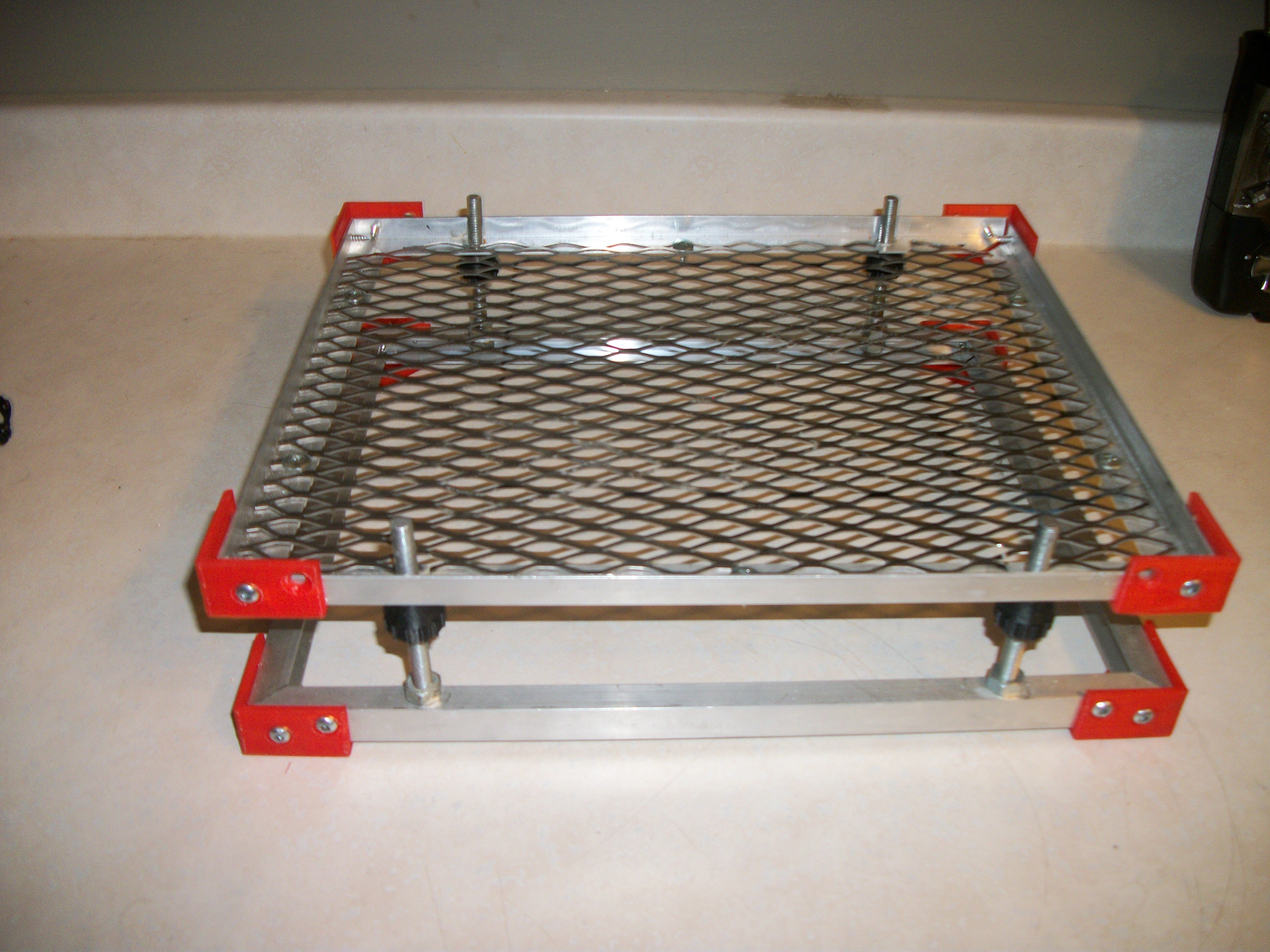

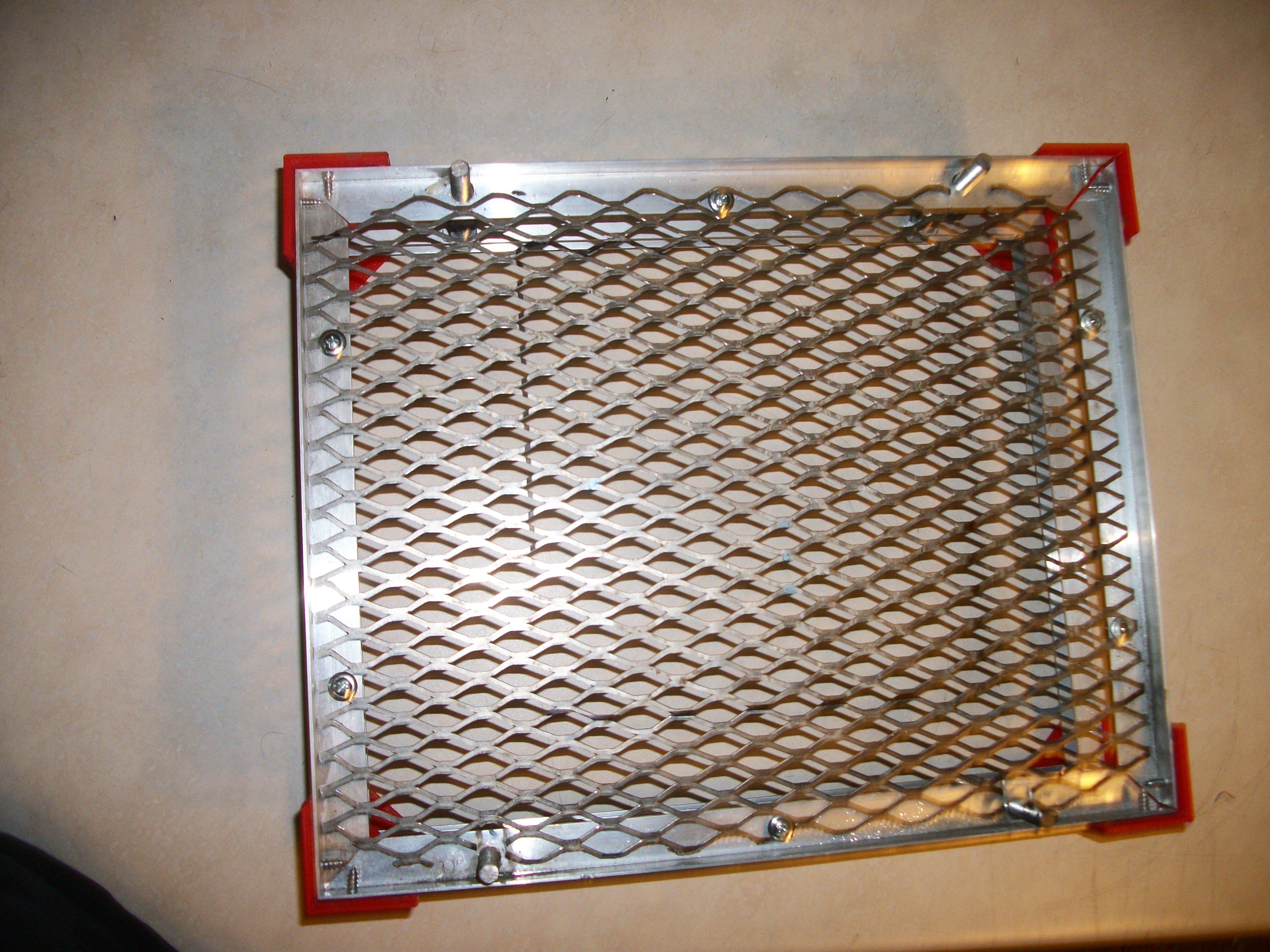
How do you adjust it while it’s in the machine and keep the bed level
I remove the top piece to adjust the nuts. But I am going to put springs between the top and bottom, and then move the adjusting nut to the top, sort of like a 3D printer bed setup.
@funinthefalls That’s a great idea to add the springs. Two small line levels mounted on it would be nice too.
Good starting point, I need to do some designing still. I want to maybe make it motorized using a some Motors and an arduino.
@ben_crawford Check out some of the others here that have created Z-tables. If I recall correct @ChiRag_Chaudhari was working on one a while back, but not sure if he got it finalised. A few others have too (just can’t remember who).
Like the design. It’s a very good idea to get it motorized since in Laserweb2 you’ll be able to create a macro where it will be possible to move the bed to a distinct focal point
And thaaaaaank you. I haven’t even looked at beds yet because I’m still having troubles with smoothieware and the dual-input laser. This looks easy enough to build though 
Took about an hour to build and total cost was about $30.00 and does the job just fine. I always love saving money!
did you 3D print some of the parts?
yes
I can’t wait until i get my 3D printer.
@funinthefalls Could you maybe print me some captive nut style gears for my Z table? They need to grip a 10mm threaded rod and be driven by a belt so all four corners turn at the same time. I can pay for shipping and cost of materials.