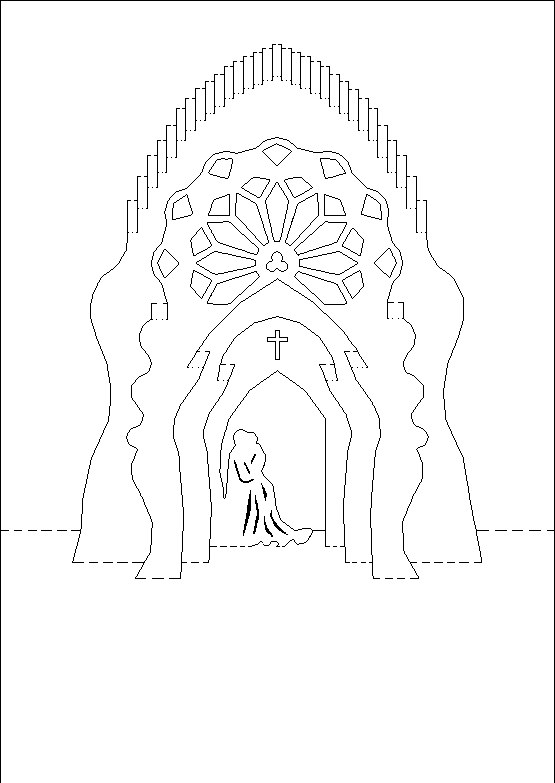
For those needing to vectorize center of a path follow this thread to a posible solution
Originally shared by Dushyant Ahuja
Not really a laserweb question, but hope someone can help. Mods - please delete if you think this is not appropriate.
I have been making pop-cards manually for a long time, however efforts at cutting them using my Silhouette have been dismal at best. All the tutorials I’ve found to convert line drawings create two lines for each of the line in the image. Was wondering if someone can advise on the best way to convert these images to vector with just one line.
Would laserweb handle this correctly? If yes, it might make sense for me to get a few cutter blades and use my 3D printer instead.