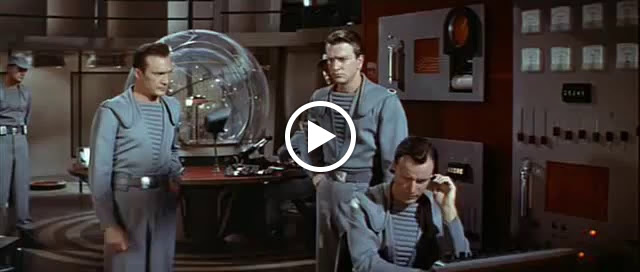
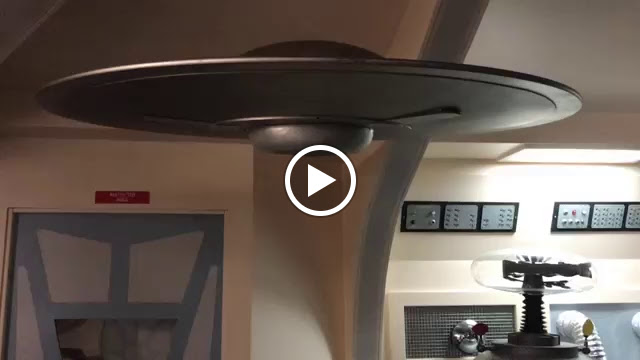
Forbidden Planet Space drive Lights
is what I’m working on now trying to emulate the Movie, here are a couple of videos of the landing sequence I’m trying to make my 1:72 scale Model do, the police lights will work from my Jupiter 2 but I need to add the blue landing sequence flashing lights and then back to red rotating around for regular flight.
If I can make it work on a switch to change the 2 modes that would be Awesome!
Use a button to change variable “colorland” to either CRGB::Red or CRGB:: LightSkyBlue (or maybe CRGB::Blue). See Marc Miller’s great reply with code in a recent post on how to use a button to change the color in a sketch:
Okay not sure if this is going to work,
how do I add a 2nd color and speed that it can change to from red to blue and then back with in a certain amount of time automatically.
@Anx_Xna - There are many ways to interpret what you want in your new request. Do you want:
Choice A: Red on for X seconds for any speed, Blue on for X seconds for any speed, repeat
Choice B: Red on for X seconds for any speed, Blue on for Y seconds for any speed, repeat
Choice C: Red on for X seconds for any speed, Blue on for Y seconds for any speed, Red on for Z seconds for any speed, repeat
Choice D: Something different
All can be done with FastLED. Which choice do you want to use?
@Anx_Xna - Do you want to enter the wait time variable, X, in milliseconds or seconds in the sketch? Either way will allow you wait times up to many minutes if desired
line 77 is not changing speed if I go
(case 1: cd77_police_lights_one_modified_n_dots(3, 8, 20, CRGB::Blue); break; ) that shoul be going super fast right?
switch (landingMode) {
case 0: cd77_police_lights_one_modified_n_dots(3, 8, 60, CRGB::Red); break; // number of dots, number of segments, speed of animation and CRGB color.
case 1: cd77_police_lights_one_modified_n_dots(3, 8, 20, CRGB::Blue); break;
I just want just the Blue to go faster not the red.