Hello Could one of you more experienced fellas help me identify what's causing this

Hello
Could one of you more experienced fellas help me identify what’s causing this ripples? Yesterday was printing fine. My heated bed cable got caught and the bed vibrated since it couldn’t get to y stop. I checked all bolts. Find 1-2 where it needed a 1/4 turn more… But nothing mayor. I don’t think I missed anything else. Belts are tight.
Im right now taking bed off, making sure all bolts are nice and tight. Will print a test pattern soon to see…

But what does this pattern normally indicates?

(Middle print is yesterday. Other two today. )

Lower your acceleration settings in your firmware.

It might also be caused by your Z axis. Make sure your lead screw are not constrained

Thank you. The speed hasnt been changed at all. I will try it tho.
Printing a 20mm cube now to test.

It looks like there is shifting of Z layers. Help to know the type of printer or see a picture of it. not sure why Y bed block and motor skipping would cause Z axis issues. In pic it looks like the waves are on X and Y vertical faces alternatingly, which would be from the clockwise or counterclockwise oscillation around center from a bent lead screw. The offset will be more on Y and more on x depending on the angle of rotation of the Z screw. Linear rods should hold minor screw issues in check but it looks like this one is overcoming any frame and rod restraint and causing the nozzle to move in a circular pattern depending on Z screw rotation, so it changes regularly as the model gets taller. That is my assessment from one photo so it could be wrong :stuck_out_tongue:

In cartesian printers, it seems one reason is that the Z axis lead screw is bent slightly. Move it up and down in Z and watch the Z axis lead screw.

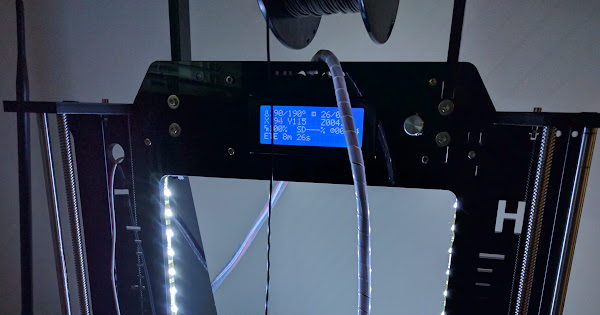
Thanks everyone. Its a Prusa i3. Acrylic
Here is the test 20mm cube i just printed after going thru most bolts and re calibrating the bed height.
Google Photos
https://photos.google.com/share/AF1QipM0b999aNRZdXZ3cwAimDnfjfulVu5d2jLAHRprhWDRG2hvYzoRqAR5tJmZCp8h3A?key=M3NnT1J4UGpxd2lsZDJWTk50WjU2dDBveVdZc19B

So it looks better? I Think I still see a little ripple but it does not look as bad to me as the other one.

Thanks Nathaniel… i will tell ya shortly. I am re printing the same part to see. so far so good… pics coming in about 20 mins.

Another thing that may help is a PID tune on the Hotend. Temperature variations may also cause this. But most likely Z wobble…

Well, here it is… Guess im fine for now.
https://photos.google.com/share/AF1QipPN_AHFhElh2fnzjLXEQdyrKjvI5ZYKD6YqUFVA-wC6mdUqZlt5qcSInt7RLcpEkQ?key=aVdOQ0VDUkpoQjA1cXM2MEtoRTBPODFsUVZvYS1R

Actual printing settings not changed… All i did was take down the bed, go thru most bolts on the frame and X,Y axis… and the bed only had 1 bolt that was about 1/2 turn loose… the rest of bolts i found around, were like 1/4 turn or less. Only thing i did different from last time was not tighten the bed too much on springs.

Ahhhh printing on a house boat…

Z wooble it can be produce for bad thermistor readings, or bended threathed rods in Z azis

Thanks makergal. I’ll keep an eye on the temp just in case