Just looking for help. my printrbot jr stopped connecting at all.

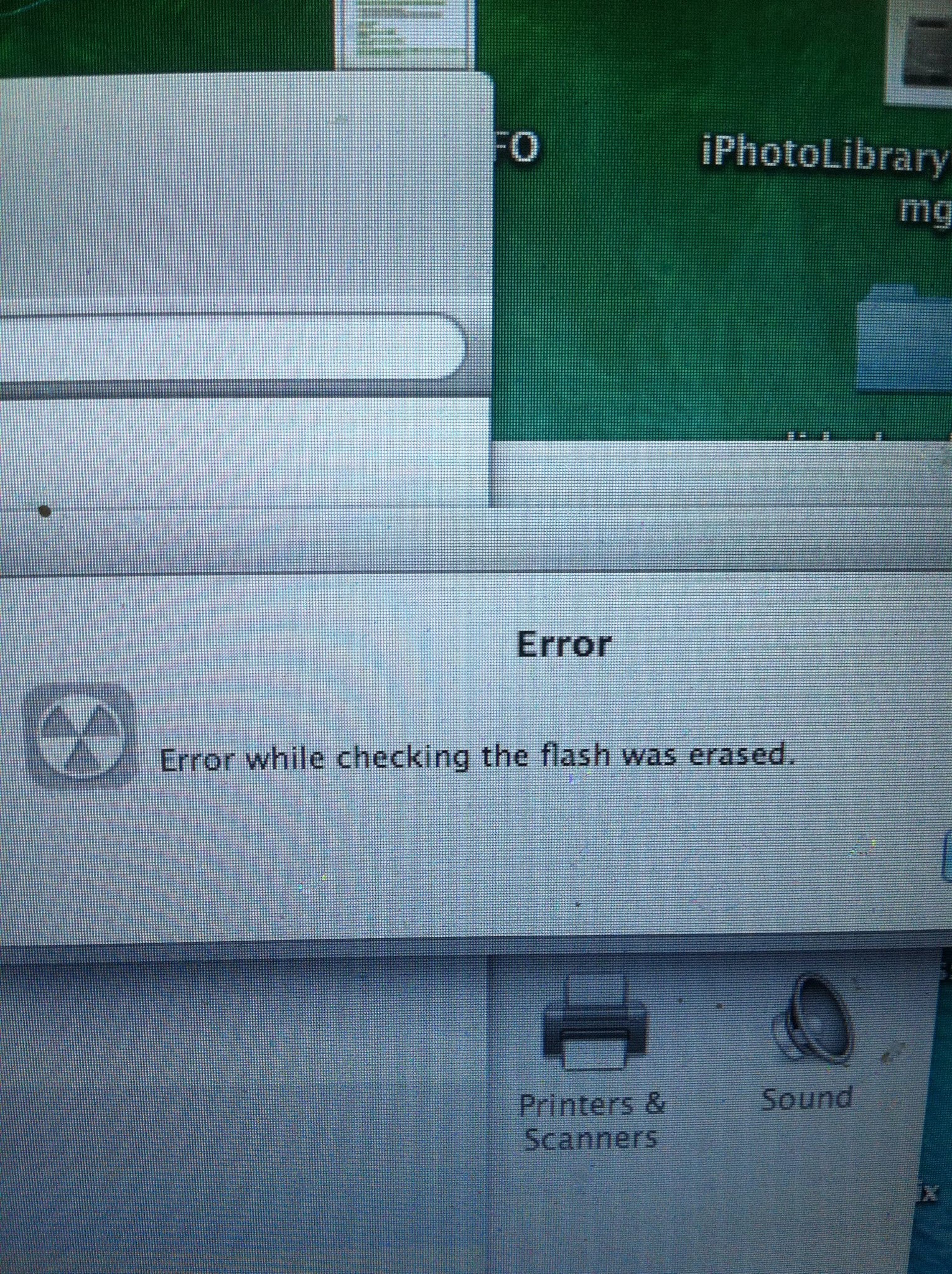
Just looking for help. my printrbot jr stopped connecting at all. I posted on here and was directed to instructs on how to reflash the firmware. When I did it, I got this error message

error while checking the flash was erased<<<
Anyone familiar with this?

@Earl_Matthews . Looks like I need to get one, and yep, wish I already had a spare. Thanks

@boog_nish just out of interest have which board is it as to flash some boards you need to short the jumpers on others they need to be open.
And push the reset button just in case…it may work.

Hot air Soldering station and new chip maybe. Its not so hard to resolder it though. There’s a lot you tube videos showing how to do it.

Erasing flash memory is not the end for this board. Have you looked at the Printrboard entry on the reprap wiki? http://reprap.org/wiki/Printrboard You may have to flash the bootloader and firmware.

Even if you do have a damaged board at this point, you can still use the Printrboard trade in program to get a new one for $10.

@Nigel_Dickinson . It is a rev D printrboard and I did jump the pins

@boog_nish rev d your not supposed to short the pins to flash.

@Earl_Matthews if the only choice is new board as you suggested, I guess soldering new chip could be alternative to that - if chip is fried…

Give me a minute to get to shop so I can look what I have and did, just getting coffee down- sure I followed instructions

@Nigel_Dickinson . Both guides that I am looking at say that rev D , boot pins need to be shorted out, by jumping the pins.

http://Help.printrbot.com/Guide/How+to+Reflash+Firmware/78

Am I totally misunderstanding?!

@Nigel_Dickinson . Even the walkthru steps while using the firmware updater says 'if it is a revision D or later then place a jumper on the BOOT pins. I am prone to misunderstanding, but this is seemingly clear. ??
Boot loader pins shorted and unshorted for firm ware according to wiki

You might want to try the Printrbot supprt forum and have them clarify what you need to do to get this fixed.