Just might need to try this once @Sebastien_Mischler merges his new raster module
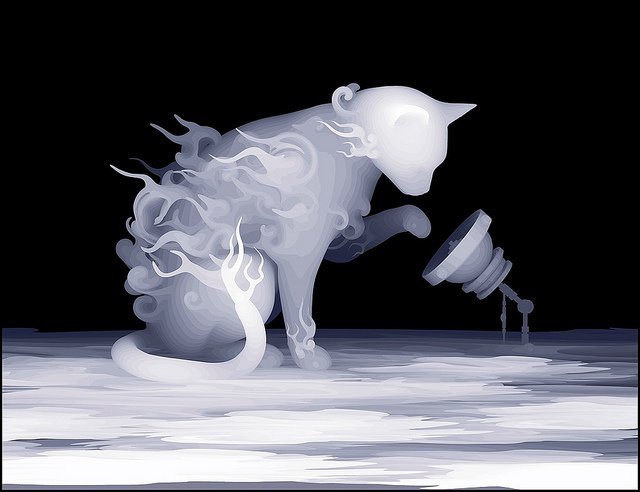
Just might need to try this once @Sebastien_Mischler merges his new raster module
Wow! That is so cool… would love to see results on that image.
Please do not wait, test! 
How do we test this?
@funinthefalls go to https://lautr3k.github.io/lw.Rasterizer.js/ select your picture tune some settings, rasterize, download the GCode file, (optionally load the GCode in LW to see all is good) and engrave 
P.S: @funinthefalls need help to improve the settings descriptions 
Thanks. I’ll work on the descriptions for you.
@funinthefalls Thanks, just made an standalone file for the tooltips texts at https://github.com/lautr3k/lw.Rasterizer.js/blob/gh-pages/js/lw.rasterizer.help.js more simple to edit
Nice, I’ll get at it later today.
@Sebastien_Mischler I love the various settings you have integrated into this! It will be a great addition to LaserWeb.
 soon
soon
@Sebastien_Mischler quick question! When selecting the amount of grays do I need to choose 10 for smoothie or will it handle all 256 shades ?
@Alex_Krause Sorry I’m not sure I understand the question. My English is too bad, you can rephrase? Thanks
How many shades of gray should I choose in the rasterizer to make Smoothieware function properly
I do not know if this setting does improve something with the smoothie. 256 should be good;)
how can use this modul?just copy to laserweb3 or i need to something more?
Go to https://lautr3k.github.io/lw.Rasterizer.js/ select your picture tune some settings, rasterize, download the GCode file, (optionally load the GCode in LW to see all is good) and engrave
Working on the integration on LW3, comming soon
im able to use this standalone?because everytime when i open index file , all looks fine but not loading any file
@Damian_Trejtowicz Which browser on which OS ?