on this type of geometry/mechanics alignment is key. If you loose steps without having to changed the reference potential on the drivers this is most likely due to misalignment. Although Ultimakers are basically well aligned through the plywood but you should probably check how easy you could move in all directions by hand (motors unpowered of course). Maybe this way you will find you have a hard time moving by hand in a special direction or in special places. This should help you finding the problem.
Thanks for the reactions, it is indeed hard to move the y-axis by hand. Now I have to find why. I don’t really see misalignment but i don’t really know where and how I need to look.
But I see some dust on my axis so maybe that is the problem so I will clean that first.
Alignment is easy to check. Just measure the distance between the carriage axles and the driving axles to make sure they’re parallel. But I had this problem as well on older umo’s, the linear bearings are filled with dust and won’t glide very nice anymore. Just aply a little machine oil and your good to go. Remember, when you start using oil, you will also collect more dust and thus have to keep using oil once in a while.
To clean the dust I had to disassemble allot and than Aligning the axes as normal(like @Beerend_Groot described).
I don’t know what fixed it but cleaning en reassembling(aligning) did the trick (I think).
Printing my first layer now…
Great to hear you got it sorted out. One more thing: When i built an Ultimaker 1 for some friends a while ago, they also shipped this littls alignment gauges. Basically some lasered plywood. Here’s a picture how they look and work - you should have them too, don’t you? This will help next time you run into issues http://joehinkle.com/DownLoad/IMG_0236.JPG
After 15 layers of printing the skipping started again. @Helmi yes I use those to align my axis. (I only thought that there maybe was a other way of doing it. because it didn’t work the first time.)
I am dissembling now the other axis, but tips are welcome again.
My only tip is make sure your alignment is perfect, pulleys are sitting well and are fixed good after rebuilding everything together. Also watch your belt tension is good but not too strong - it should just be good enough not to let the belt jump over the teeth. Cleaning everything up may also be a good idea.
When finished check the manual movement - it’s hard to tell but you should notice when it gets better.
I found it (I think)
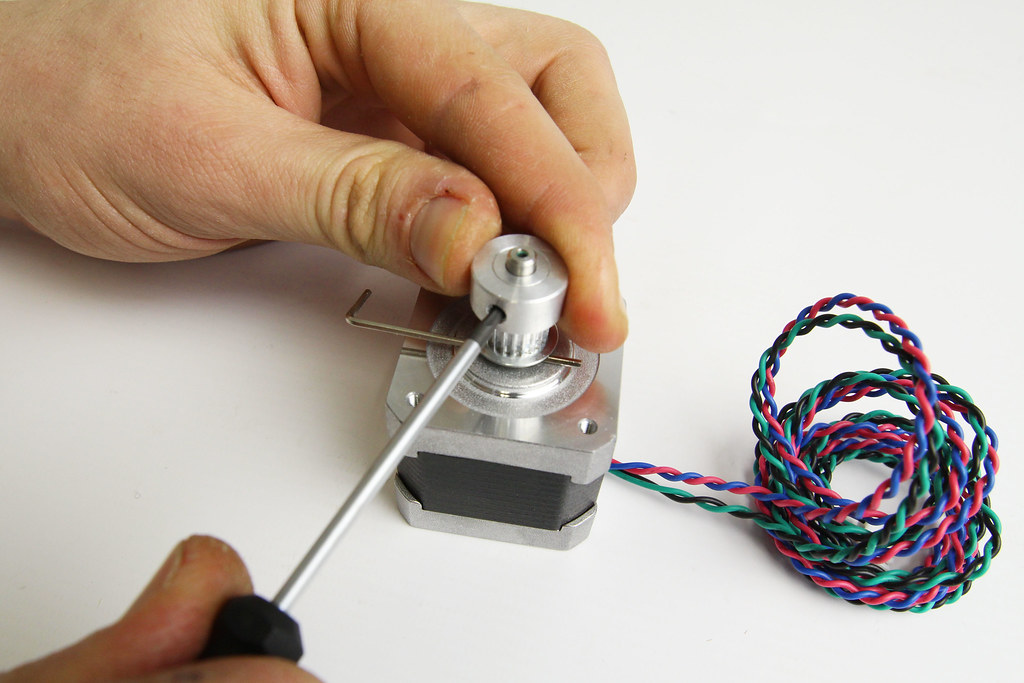
the screw on the stepper-motor was slipping because of the extra drag I had 20 minutes ago. I saw slip-marks on the motor-shaft.
I have now replaced that screw and tightened it as hard is I can.
So the problem was extra drag from probably a slightly misaligned axis with dust. and that drag did eventually caused the screw on the stepper-motor to slip.
I hope that I solved it now, I will test it tomorrow with a 7 hour print.
Great find. And good luck that this was the problem. They should have used motors with a one-side-flat-axis. these make fastening set screws a lot easier.
Ok, thought this bronze bushings should be self lubricating but maybe the oil just cleans it from a bit of dust inside. Good that it works now - keep us updated.