Originally shared by John Lauer
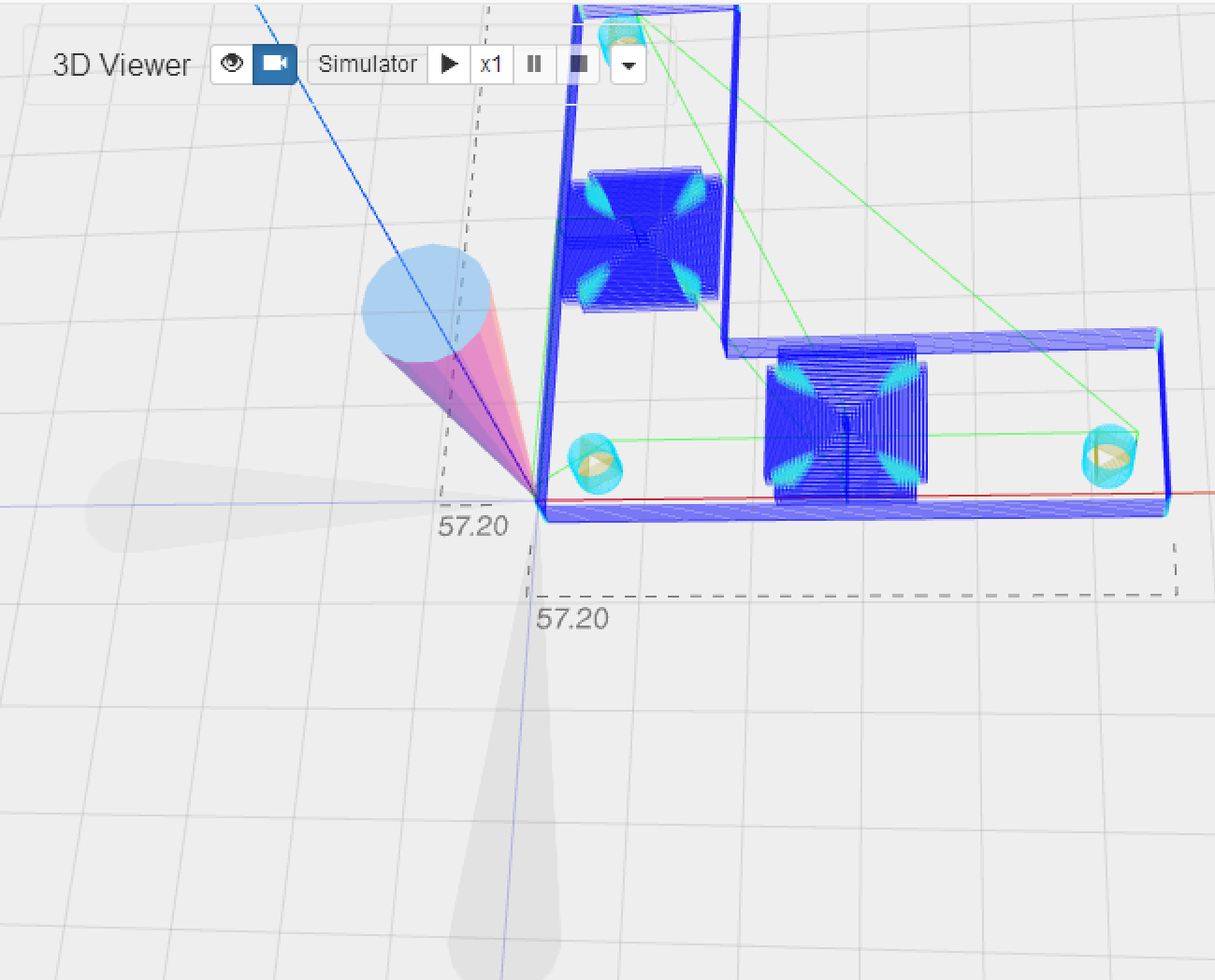
ChiliPeppr 3D Viewer now with shadows for the toolhead to better visualize your Z depth.
It’s all in the browser. No app to download or install. However, your Gcode runs locally and never crosses the Internet so your jobs are reliable.
Yeah, this will only work with TinyG or Grbl. I do think TinyG is as up to the task of running your Platform CNC as Gekko drivers, albeit you can get way more amps from Gekko. I do think you can connect a TinyG to your Gekko board with the step/dir pins. Then you could go all USB and use ChiliPeppr.
Exactly why I’m doing ChiliPeppr. Mach 3 is amazing and can do a lot of things, but parallel ports are goners. The goal with ChiliPeppr is to create an open operating system for controlling CNC with the community contributing widgets to do all the amazing stuff we want our machines to do. Check out the Auto-Leveller widget to really see what’s possible. Mach 3 doesn’t have anything that slick, so we’re already beyond it. Try out the JSCut widget inside ChiliPeppr too for workflow CAM creation like Mach 3’s wizards.
Once you tried out all that, try out the webrtc widget. I thought there is nothing better than drinking some beverage while working on my machine until I found out I can do that and still sit inside with a/c.