Originally shared by Mathias Giacomuzzi
Print Problems.
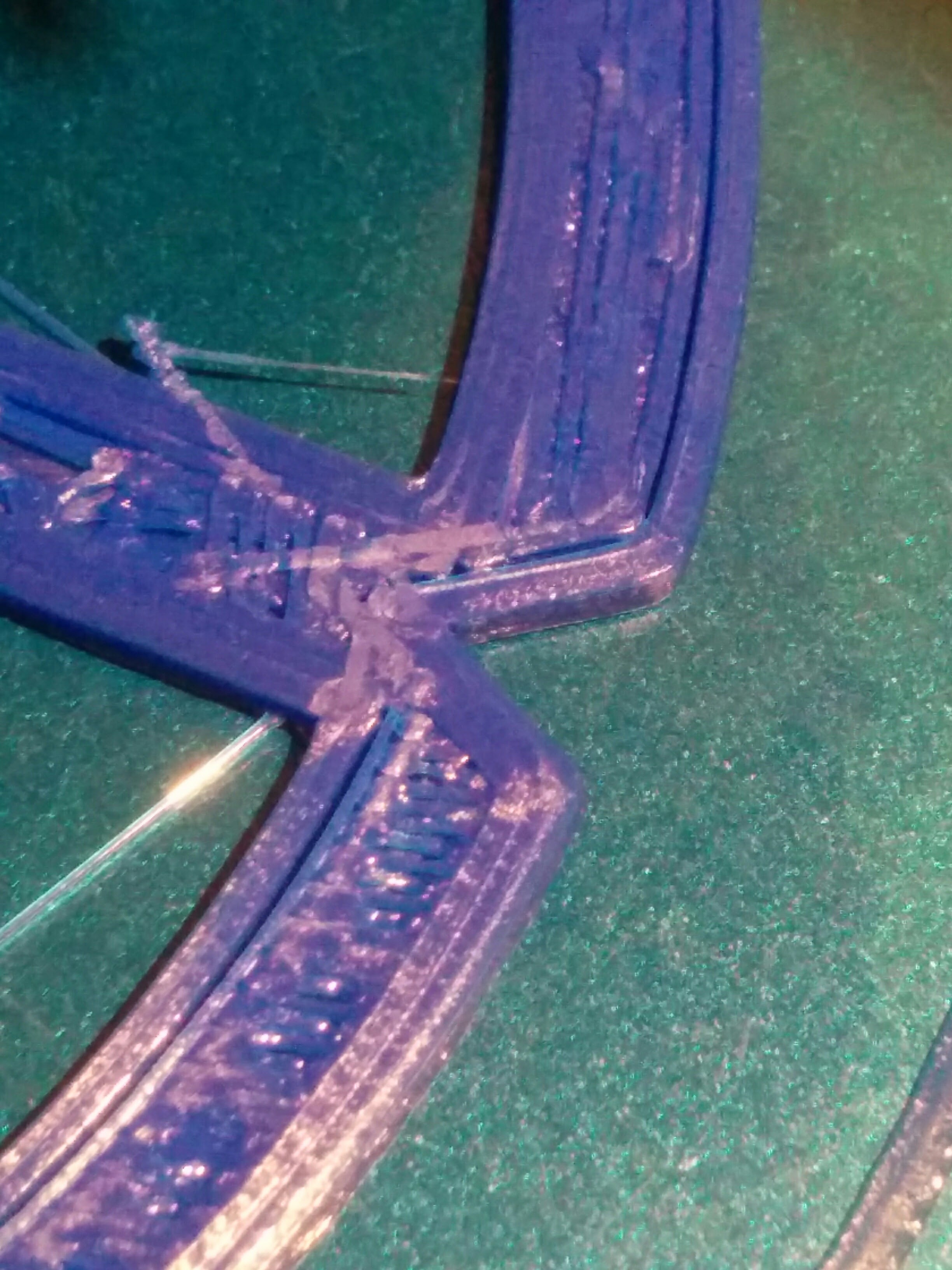
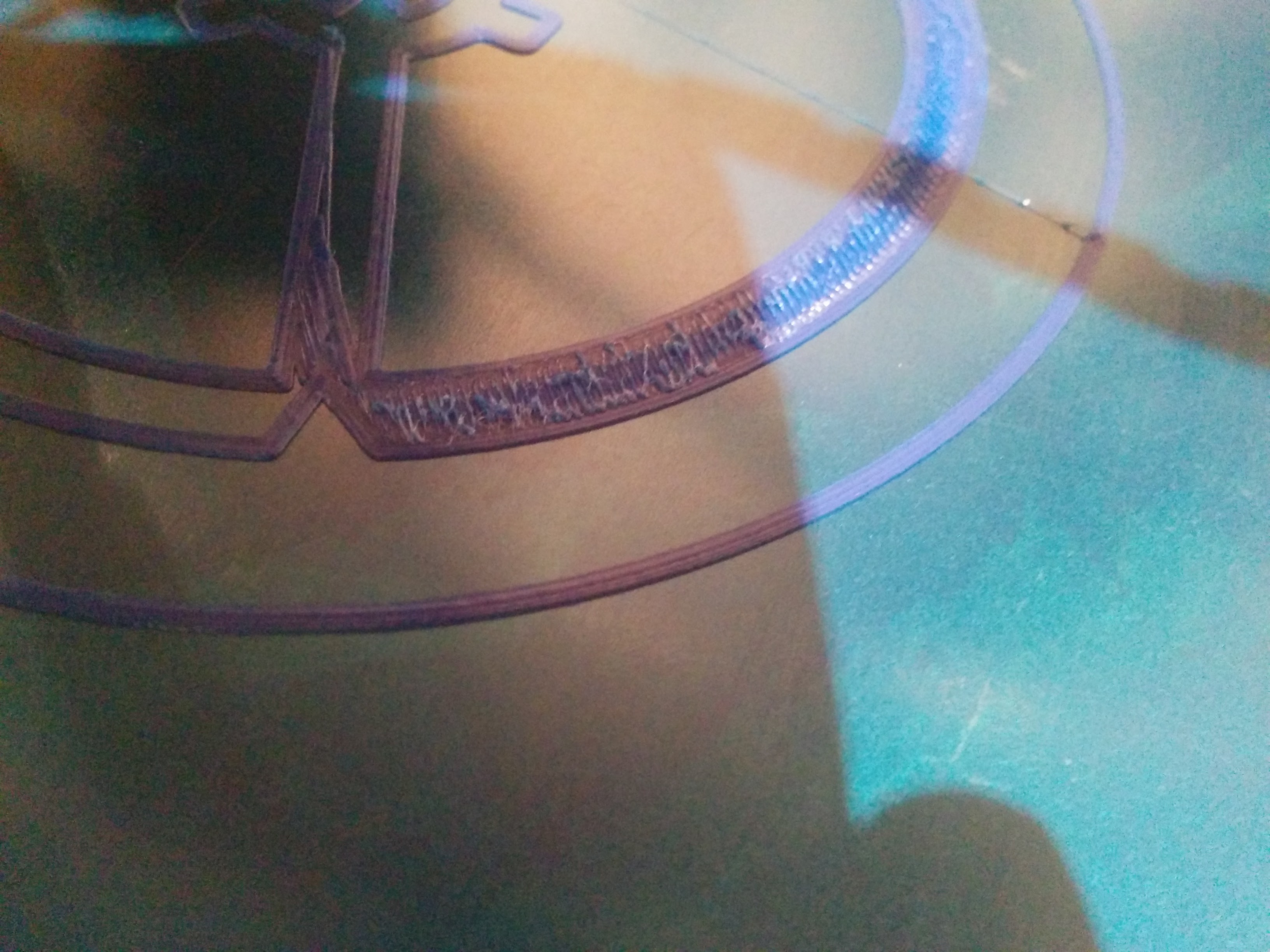
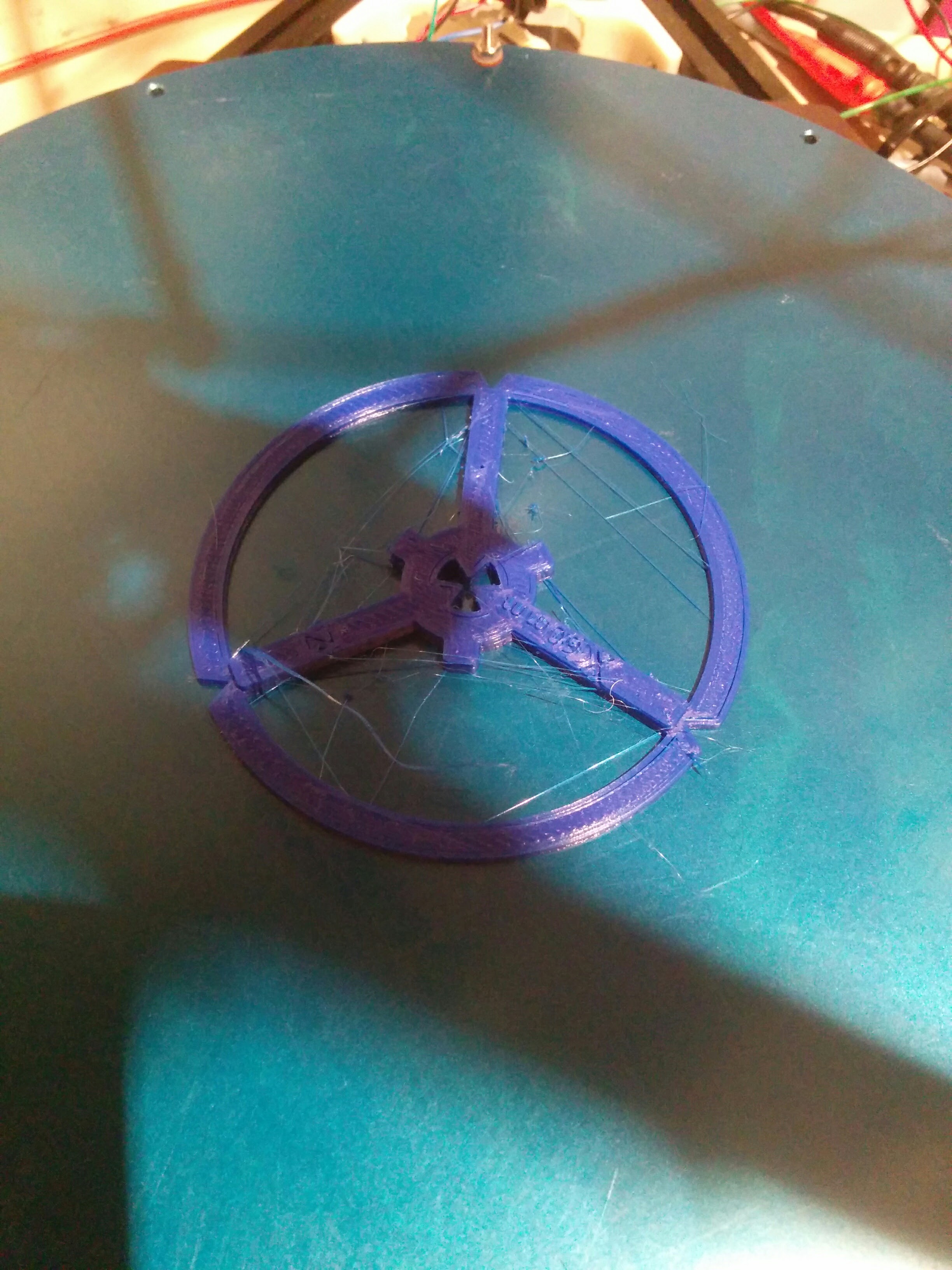
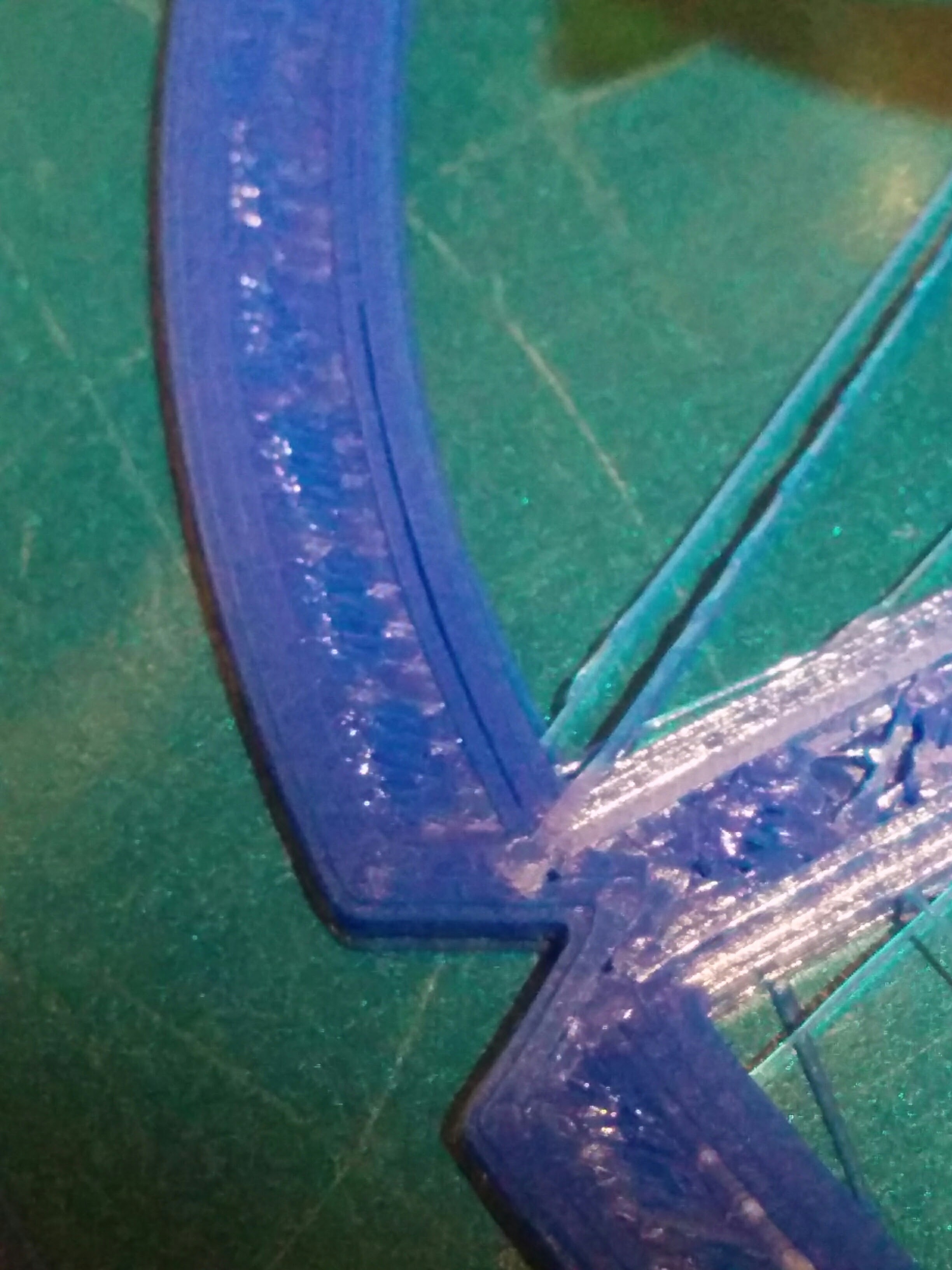
I have some print problems with the first setup. First problem print pulls threads. Second problem I do have gaps between the infill and the perimeters but I do not know why.
At one picture you can see the first layer => is it possible that I have a little bit over extrusion here?
Looks more like your first layer is too low rather than over extrusion. Your threads are probably fixable with retraction. I would say you are probably under extruding which is causing those gaps
Have you calibrated your extruder?
@Griffin_Paquette ok thanks I will check that.
@Keith_Applegarth hm I think so but I am not sure if I made it the right way. Do you know any good guide which I can follow. Thanks
I don’t know what kind of printer you are using nor if it has an auto leveling probe. But this article goes through how to set your Z Offset using gcode and Cura, you can use this on any host application though. Also if you don’t have an auto leveling probe obviously just skip those parts and look at setting and testing the offset. This should help with getting your first layers looking nicer. Link: https://printrbot.com/wp-content/uploads/2015/06/4.-Using-Cura-to-Set-Up-the-Auto-Leveling-Probe.pdf
Use Tom’s guide on youtube
Link to the video @Keith_Applegarth was suggesting. I also recommend it.
Okay thanks for the help. I followed the recommendations. No I have much better results. But the next problem I have is that the size of my printed objects aren´t correct.
So I followed that calibration guide http://minow.blogspot.co.at. If I print a cube with 100x2x2 I get 99.73 x 2.3 x 1.91 ( 1.91 is the z axis) with 0.1mm and 100% infill
If I printed a cube as an example 25x25x6.25 i get 25.22x25.1x6.24 also layer 0.1mm and 100% infill
That´s strange ?
Ah I have a https://github.com/mosfet/kossel-minimax selfmade