received my lcd from http://robotdigg.com yesterday and turned in on firmware and this is all i get. Now this doesn’t stay solid it blinks. tried marlin v1 and repetier 91 (with repetier i get random characters) am i missing something?
the two cables are notched all four terminals are marked.
also retouched all solder connections just in case i had bad pin connections
ramps v1.4 atx power supply usb to laptop or desktop (no d1 diode)
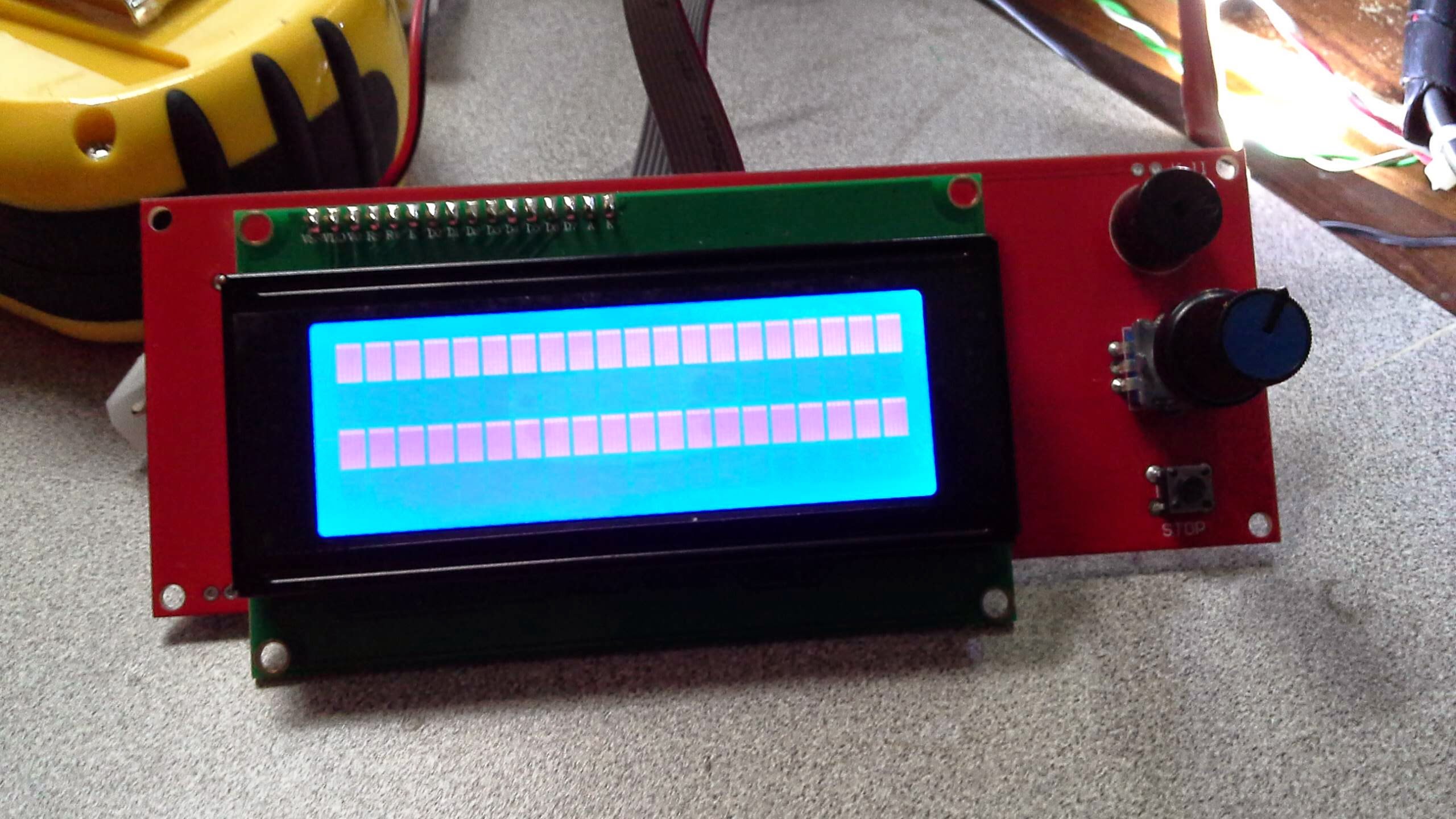
Double check the two cables from there to the RAMPS board. I had mine the flipped at one end, and saw a similar thing.
When I had a screen like that on my makerbot… It was because there was no firmware on it at all (default behaviour of the lcd).
this is reprapdiscount clone i enabled it in firmware (marlin v1) and the ribbon cables have notches preventing accidental installation
Could be the contrast adjustment is set too ‘all on’
This also happens if the 1 and 2 cables are swapped. Also note that the numbering of pins and cables are swapped sometimes between different versions. Yes, it’s a mess.
Contrast is set well enough I get random characters with repeiter firmware2
The cables are pinned the same and have notches and are labled on both lcd and smart adapter
That looks like a gadgets3d
On both reprapdiscount smart controller is silk screened on both pbc but for giggle I did try and had no such dumb luck
Send a pic of the ribbon cables connected on both ends and to where one can see what pins go to which pins
should have combined these pictures
https://plus.google.com/102862083035944525354/posts/EokJTEUyWwA
Looks like you have a pin out issue. Have you customized your firmware for anything? Try a fresh flash of vanilla marlin only set up the bare bones needed to test the lcd controller
When connected via usb to the arduino ide does the serial monitor output normal characters? Ie the startup echo? Or is it garbled too?
the serial monitor output is normal.