WillAdams
October 2, 2022, 1:05pm
1
My next project is a Jefferson Lap Desk:
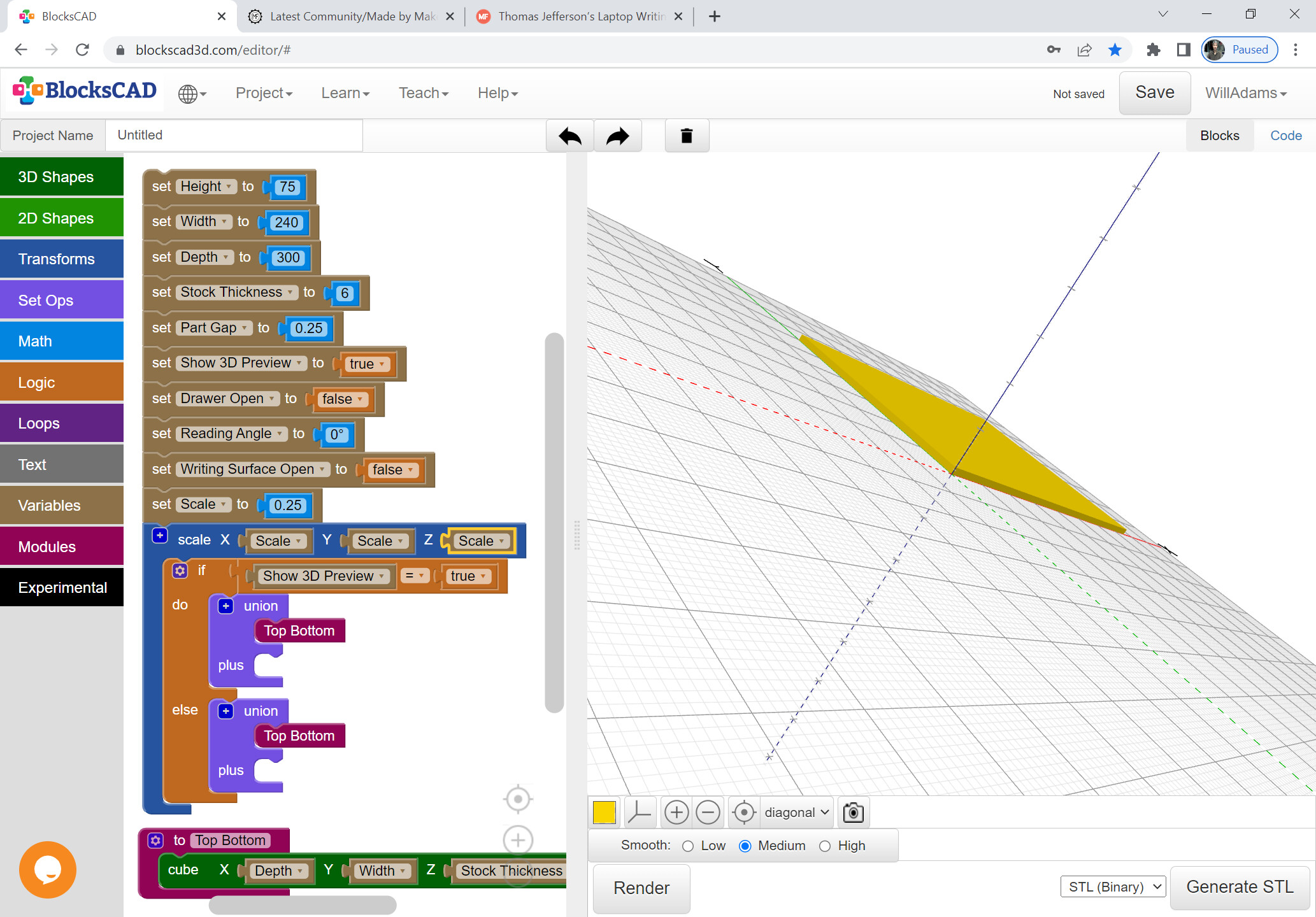
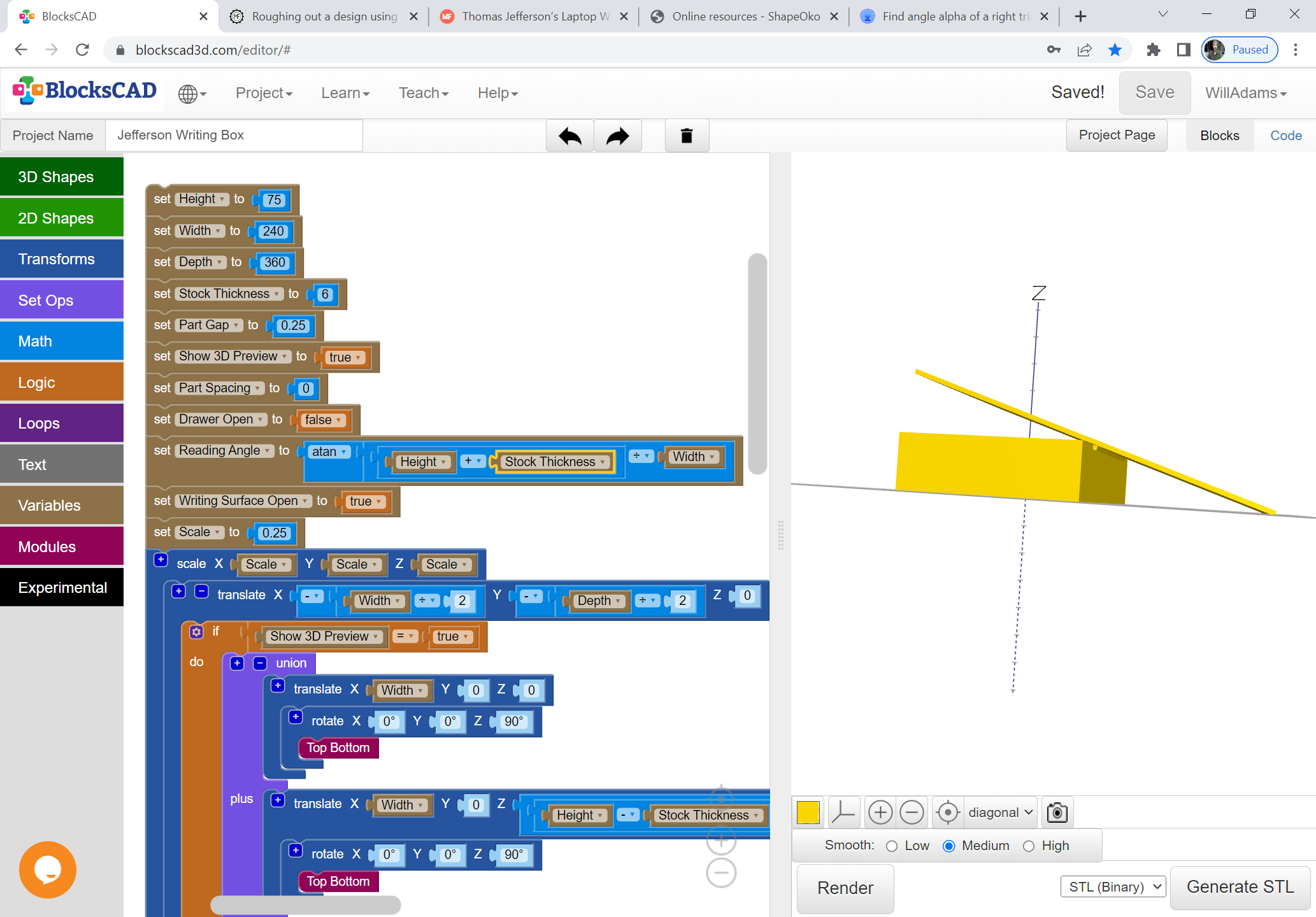
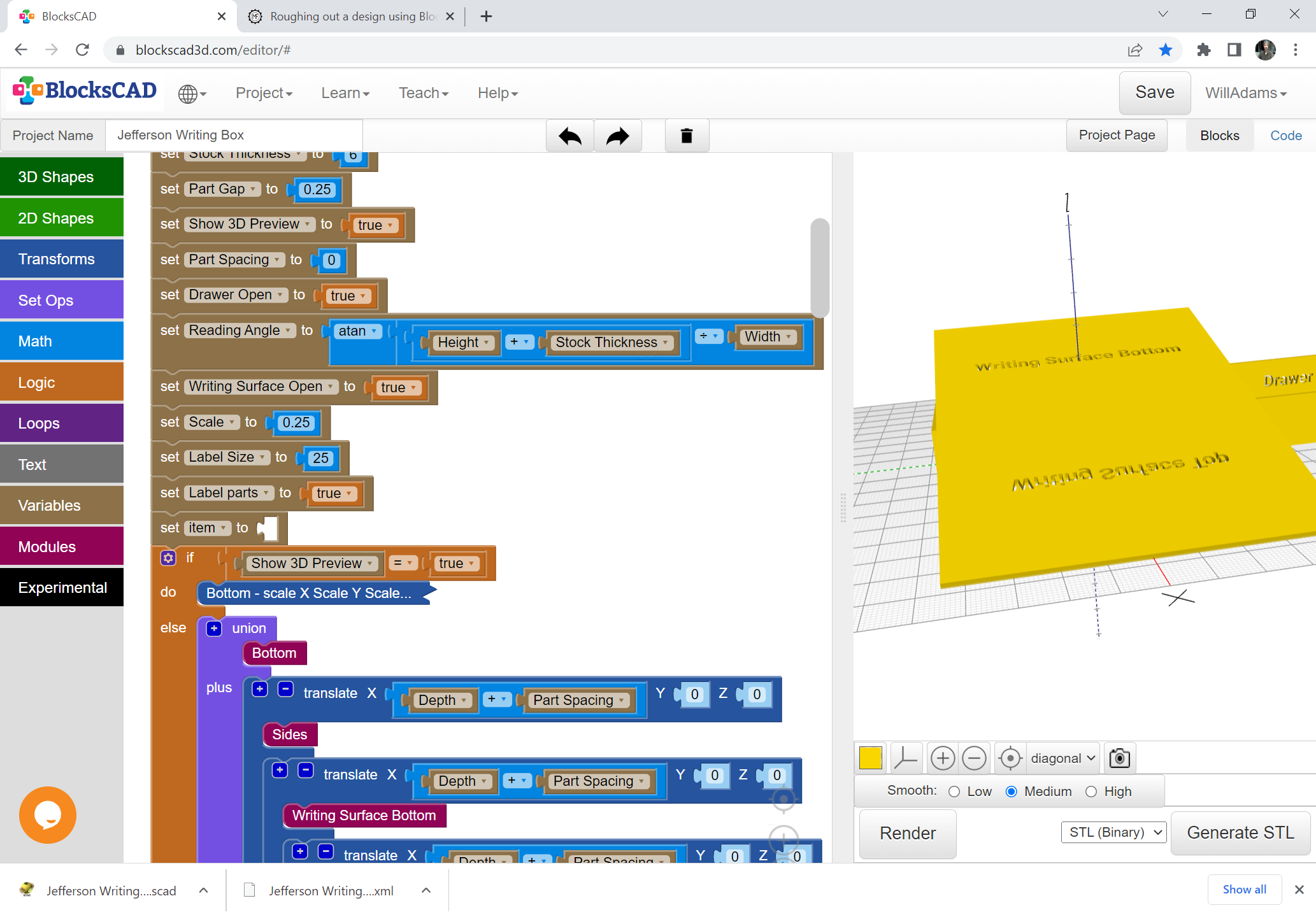
Since this is rather complex, we first need something approximating a sketch, so we use BlockSCAD, which is fast and interactive, and just set up some variables/options:
All of which are hopefully self-explanatory.
We’ll skip joinery and just allow parts to intersect, working that out once we have all the proportions and part dimensions worked out.
WillAdams
October 2, 2022, 1:31pm
2
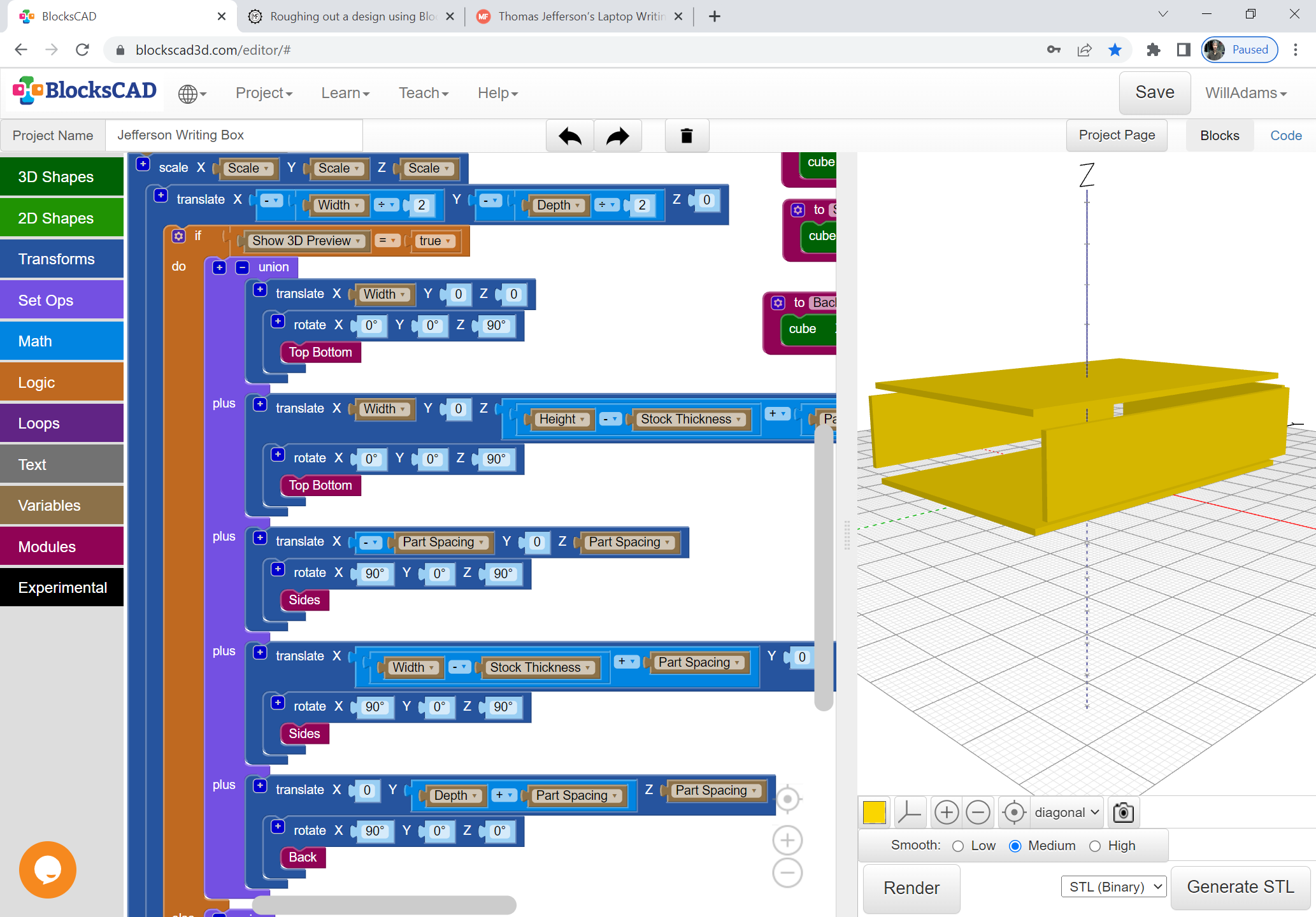
The basic structure is simply an open box on its side which we use some transformations, and a Part Spacing variable to make clear:
WillAdams
October 2, 2022, 1:45pm
3
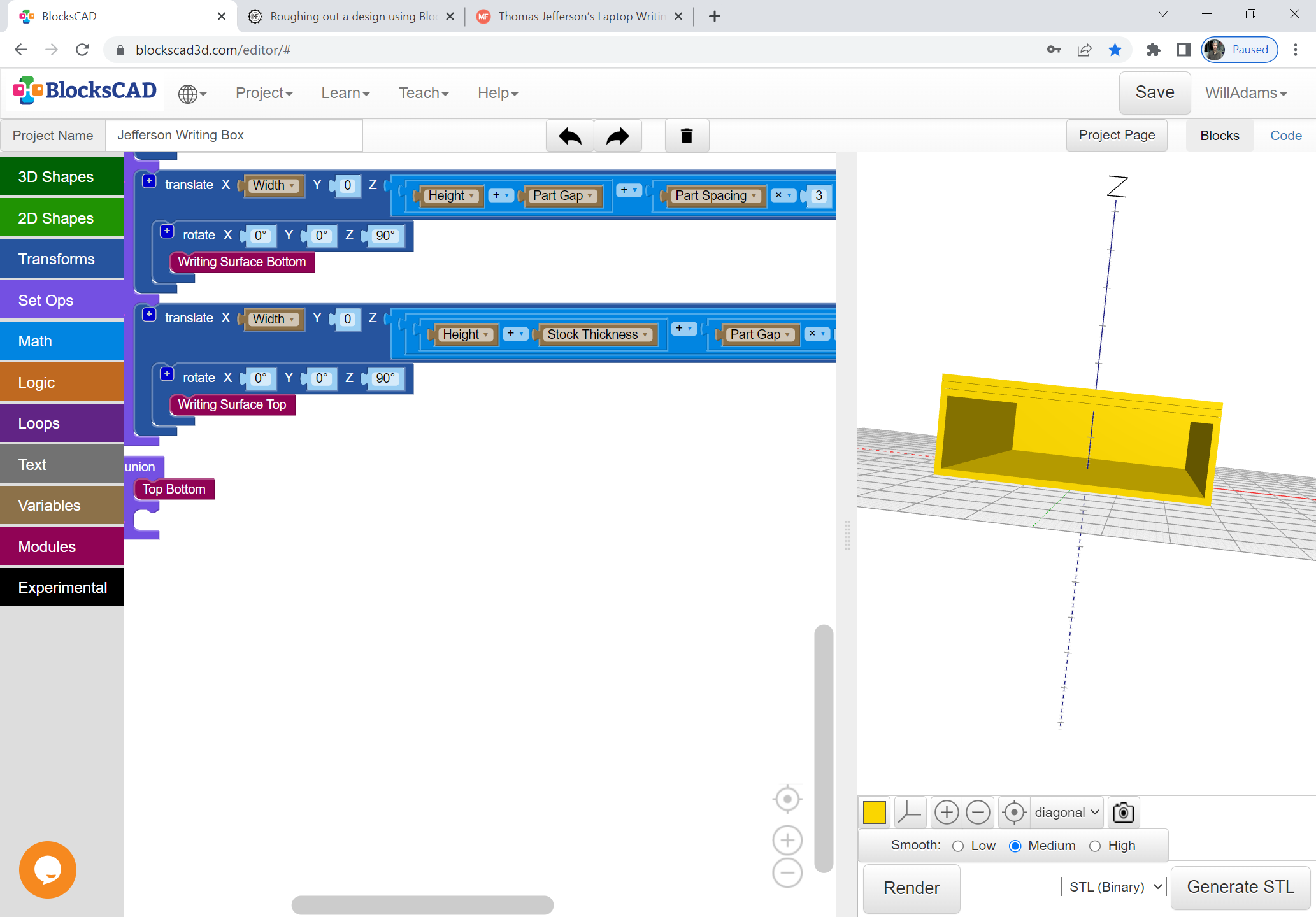
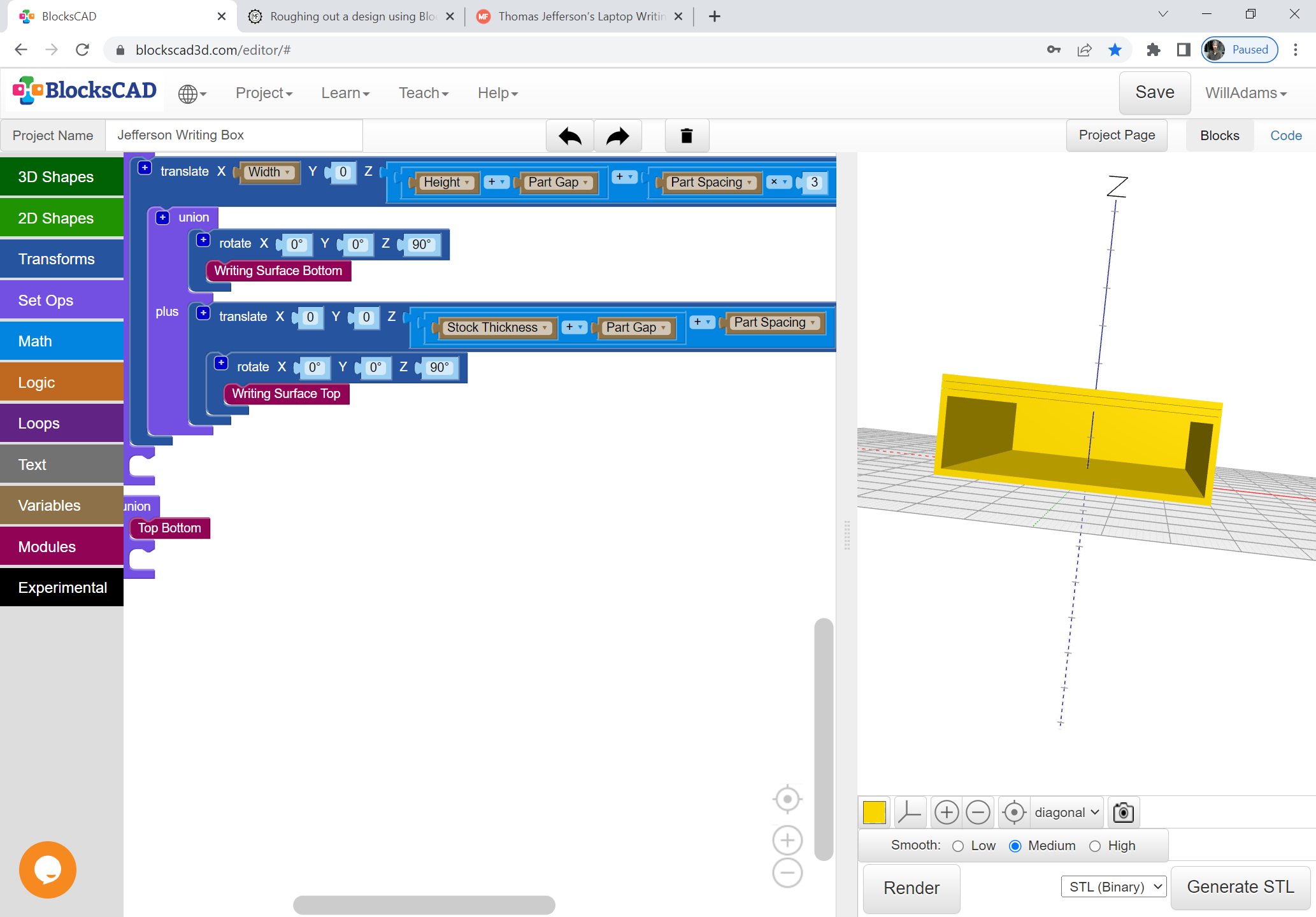
The writing surface in closed position is quite straight-forward:
Managing open and the rotation will be a bit more involved — arguably first thing to do is to position the top relative to the bottom, so instead:
WillAdams
October 2, 2022, 1:57pm
4
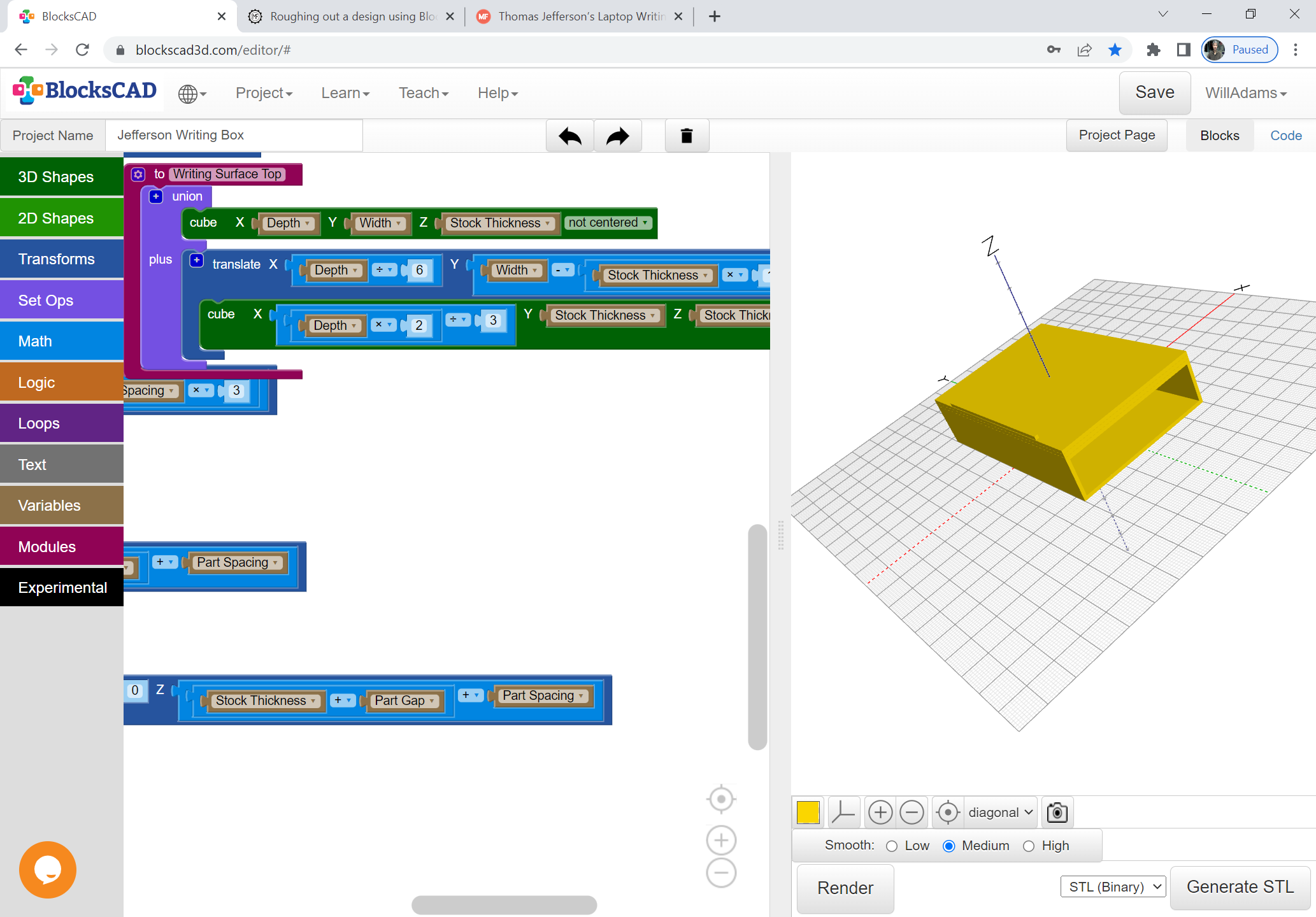
Obviously the top writing surface needs to be differentiated by a part to hold books in place:
WillAdams
October 2, 2022, 2:18pm
5
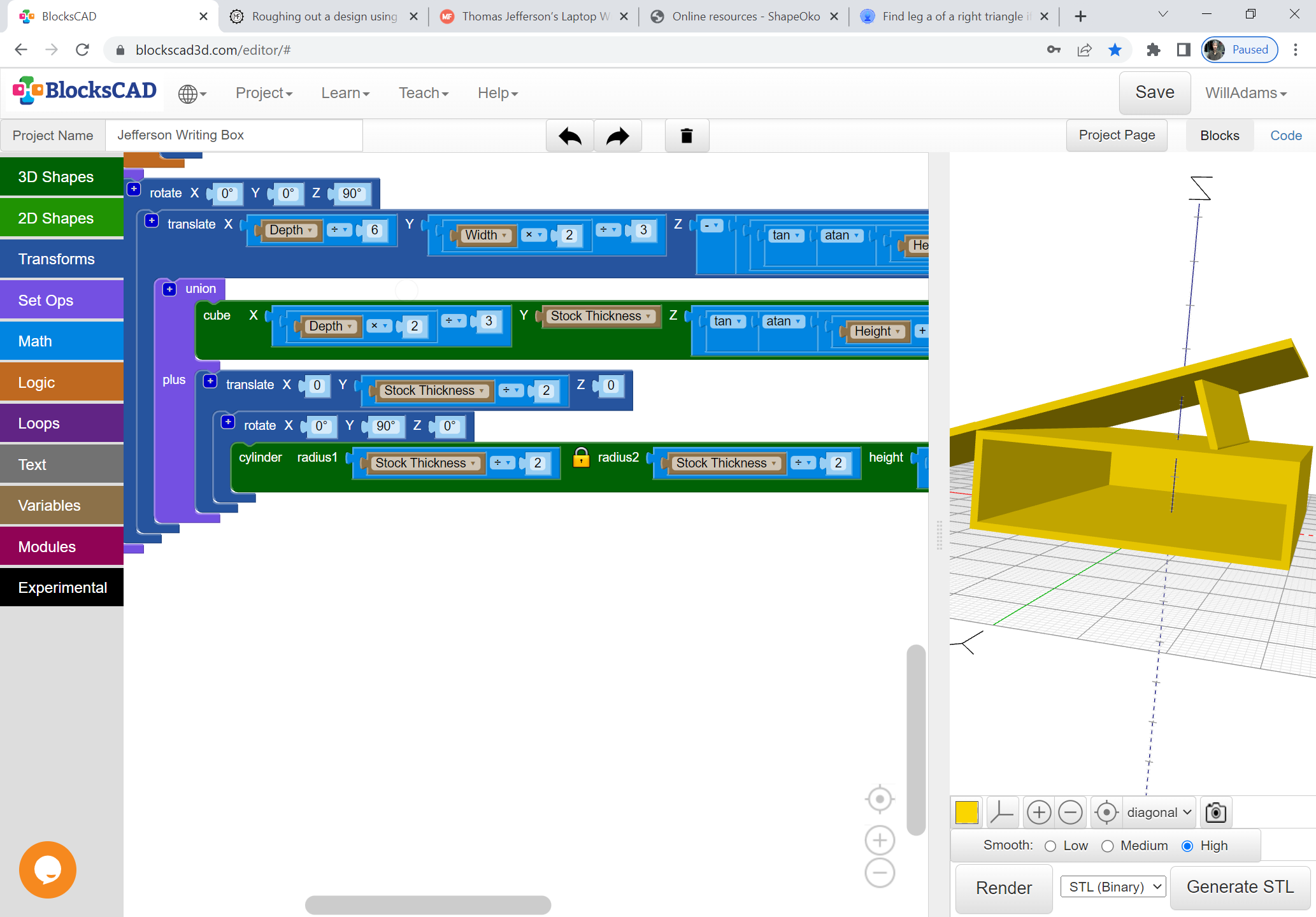
And, because of where rotation happens, it’s easier to just re-orient the box left–right mirror image:
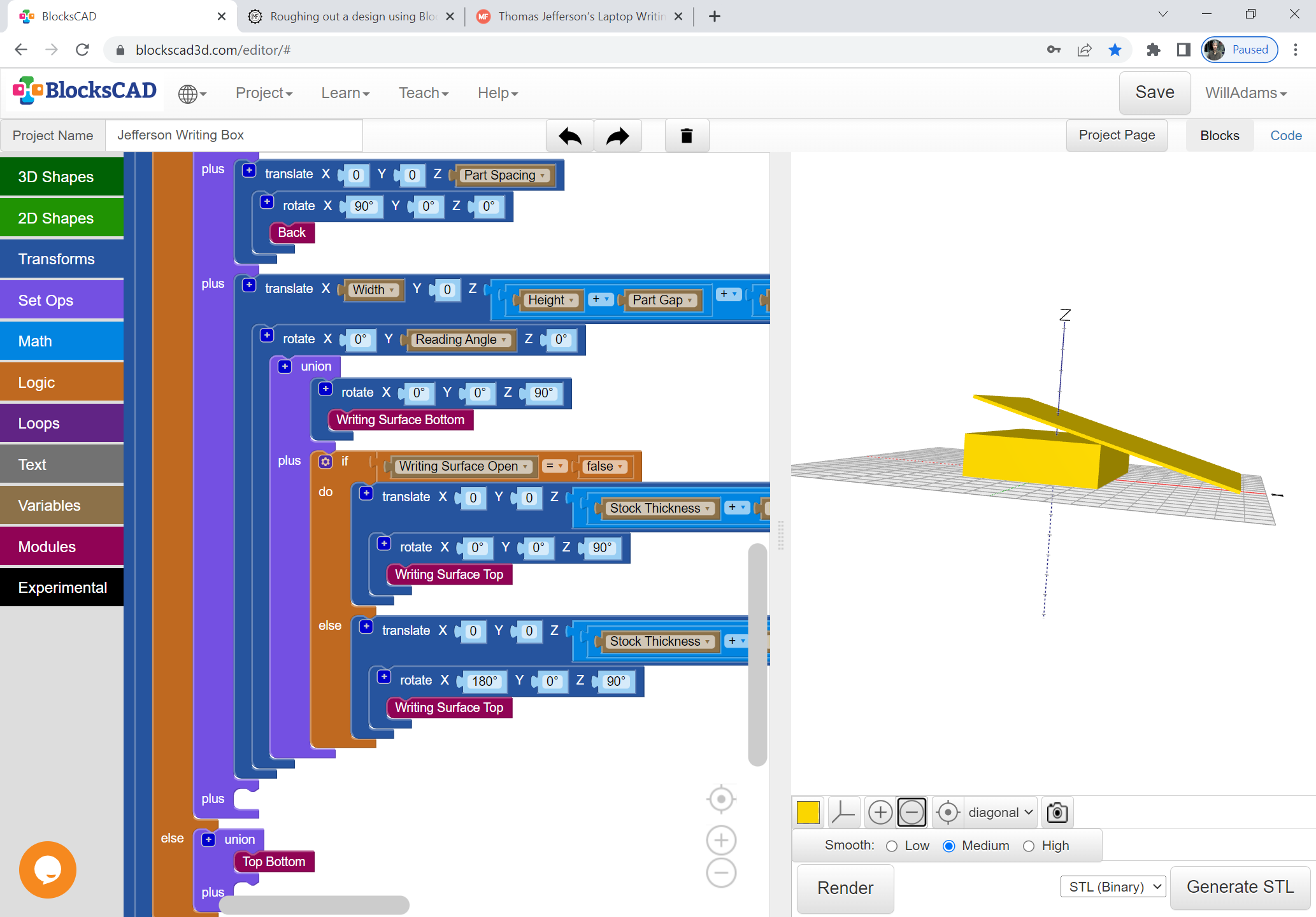
Which then argues for working out a fixed set of lid positions, one of which puts the front edge of the writing surface on the surface of the table when open — time for some trigonometry.
WillAdams
October 2, 2022, 2:34pm
6
The formula in question devolves to:
arctan(Height/Width)
WillAdams
October 2, 2022, 2:50pm
7
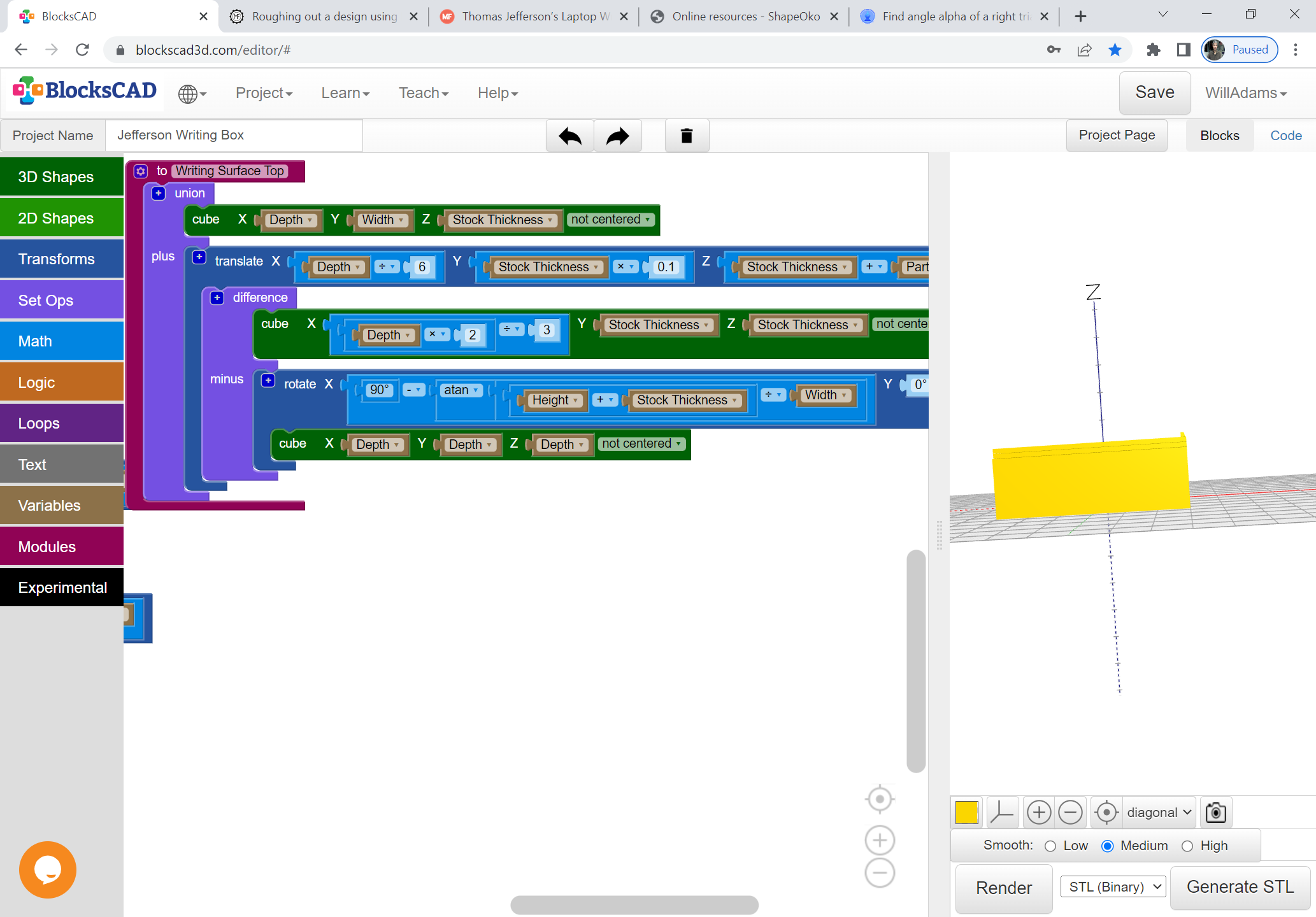
And of course, we need to use it to trim away the front edge of the lip:
WillAdams
October 2, 2022, 3:57pm
8
One position for the writing slope would be:
Fantastic. Would love to get the file when you’ve finished. Looks like an ideal portable desk.
WillAdams
November 10, 2022, 10:50pm
10
Adding the drawer is pretty straight-forward:
For the BlockSCAD code for this see:
https://www.blockscad3d.com/community/projects/1478506
WillAdams
January 1, 2023, 11:31pm
11
Updated to label the parts:
WillAdams
January 14, 2023, 9:39pm
12
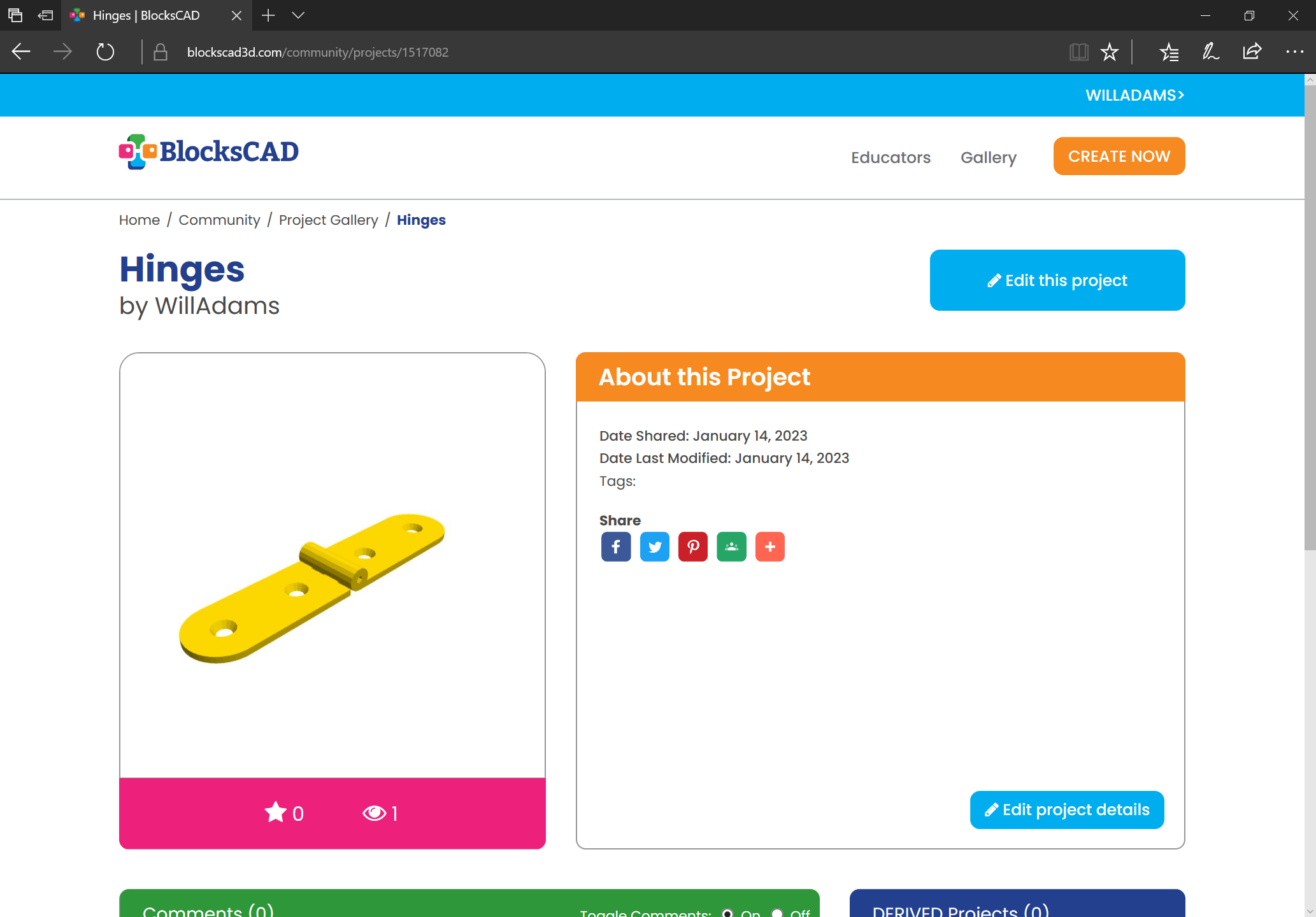
And of course, for further work on this, we will need hardware — first up, hinges:
https://www.blockscad3d.com/community/projects/1517082
Updated to be more modular, and to have an option to cut pockets:
https://www.blockscad3d.com/community/projects/1517214
WillAdams
January 15, 2023, 3:03am
13