So glad that I found this group - - the strangest thing happened today as I was calibrating my new k40. Unit powered on ok, I got good test pulses and everything was looking promising. The tube cover was open as I was tweaking the back mirror, but I slipped and the cover slammed shut. As soon as the tube cover slammed shut, the power to the machine cut out and it won’t turn back on. I checked all of the switches with a multimeter, the switches are still good. getting 110V from the wall, tracing it through the main knob switch, where it hits the power supply at 110V. Green light on power supply board is off. The two wires that connect the power supply to the ‘secondary’ switch aren’t reading any voltage. What the heck happened? I mean, it sounds like the power supply fried, but none of the components seem burnt, and I don’t understand how the back cover could have even affected that. Any suggestions from the people who are wiser than me on this unit?
Some k40 machines have a fuse built into the 110v socket in the back of the machine where you plug it in check there…
@Joe_Papa
LPS dead after cover slams:
Warning the K40 LPS contains lethal voltages! Do not attempt to test or repair this supply if you are not trained and experienced with High Voltage circuitry!
…
if:
…the green led down on the LPS is not lit
AND
…the fan is not turning
AND
…the AC input to the supply is present
THEN
…the laser supply is not working.
- Verify the conditions above
- Post a picture of the supply and the place where you measured the AC input.
- How old and used is the machine?
- How do you know that; “but none of the components seem burnt” did you open the power supplies case? If you opened the supply post a picture pls.
Things you can do if the LPS has AC power but no output:
… check the axial fuse on the PCB with DVM on ohms to see if it is blown.
For now we might assume the cover slamming is a coincidence until we find a fault.
I think you nailed it Don - the fuse by the power cord was good, as voltage was passing through the switches. I checked the on board fuse and sure enough it doesn’t pass continuity! first ill answer your numbers then ill post the pictures:
- green LED is off, Fan is not turning, AC input is present (marked A in image below) and output to secondary switch is NOT working (marked B in image below). Continuity on fuse © fails.
2)attached
3)brand new
4)I opened the supply cover but it does appear that the fuse is charred on closer inspection

do you know the specs of the onboard fuse so I can solder/replace it? if this is blow, will there be something else triggering it to blow/is it worth sending it back for a new supply replacement?
@Joe_Papa the specs for parts are on my blog. The fuse is 5A.
Usually the fuse blows because the bridge rectifier shorts, and that fails independently or as result of shorted low voltage switcher.
If you can I would get a replacement but we can keep working this in the meantime.
I’m mobile so I will add details later.
@Joe_Papa Here is the post:
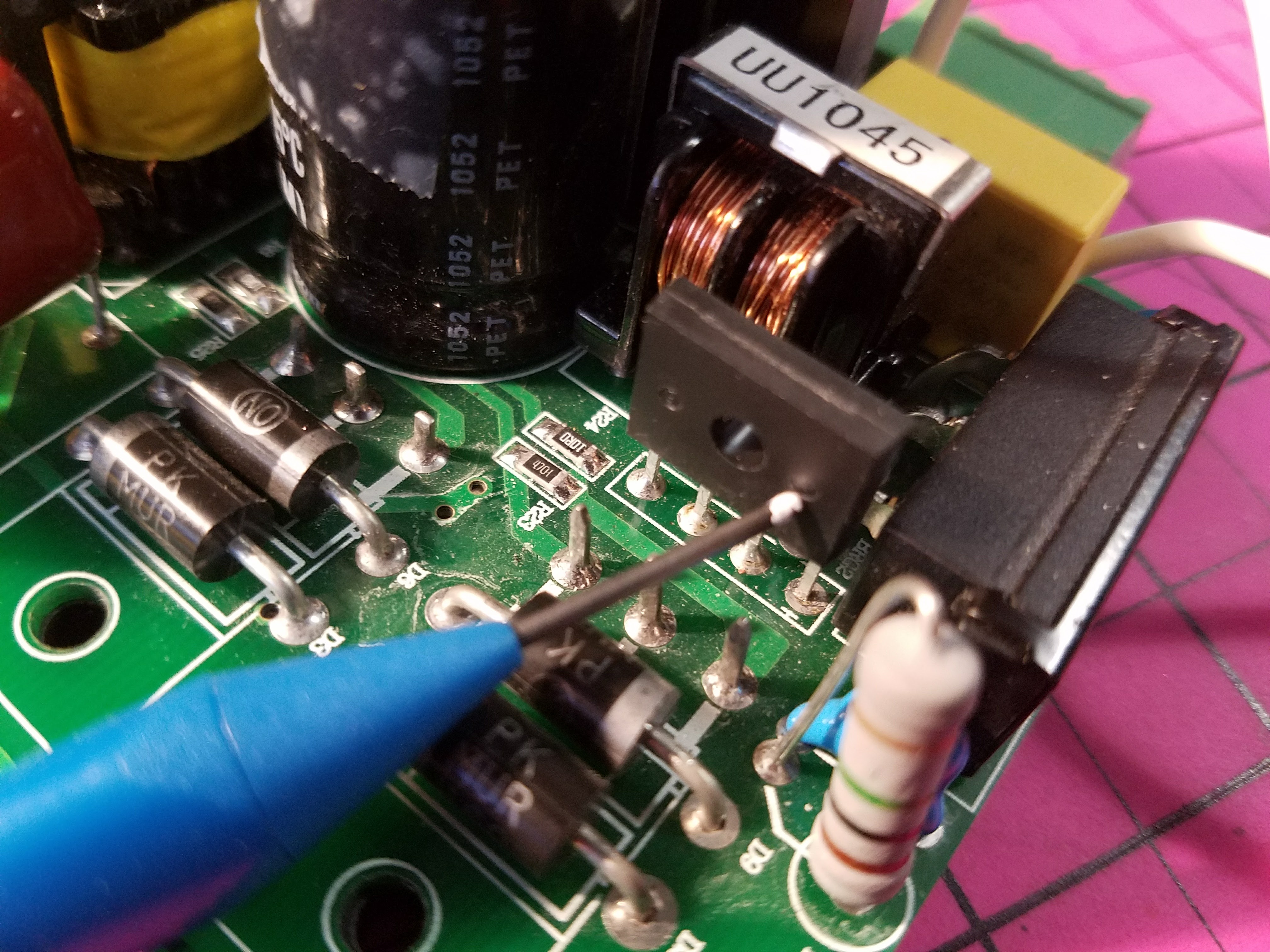
@Joe_Papa Here are pictures of the parts that usually go bad and blow the fuse. However the failure can come from other causes. It bothers me that this is a new supply and failed already.
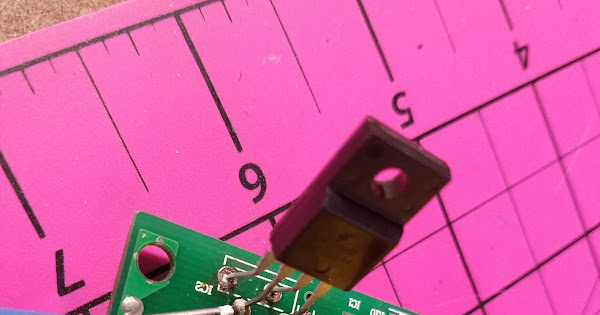
If you decide to attempt repair we can go into more detail on how to test the parts. Or you can try just replacing them.
awesome resources - thank you! I finally heard back from the seller today and they’re sending me a new power supply… I’ll hook it up and post back when it’s in. But I have a feeling I’ll need this post in the future… haha