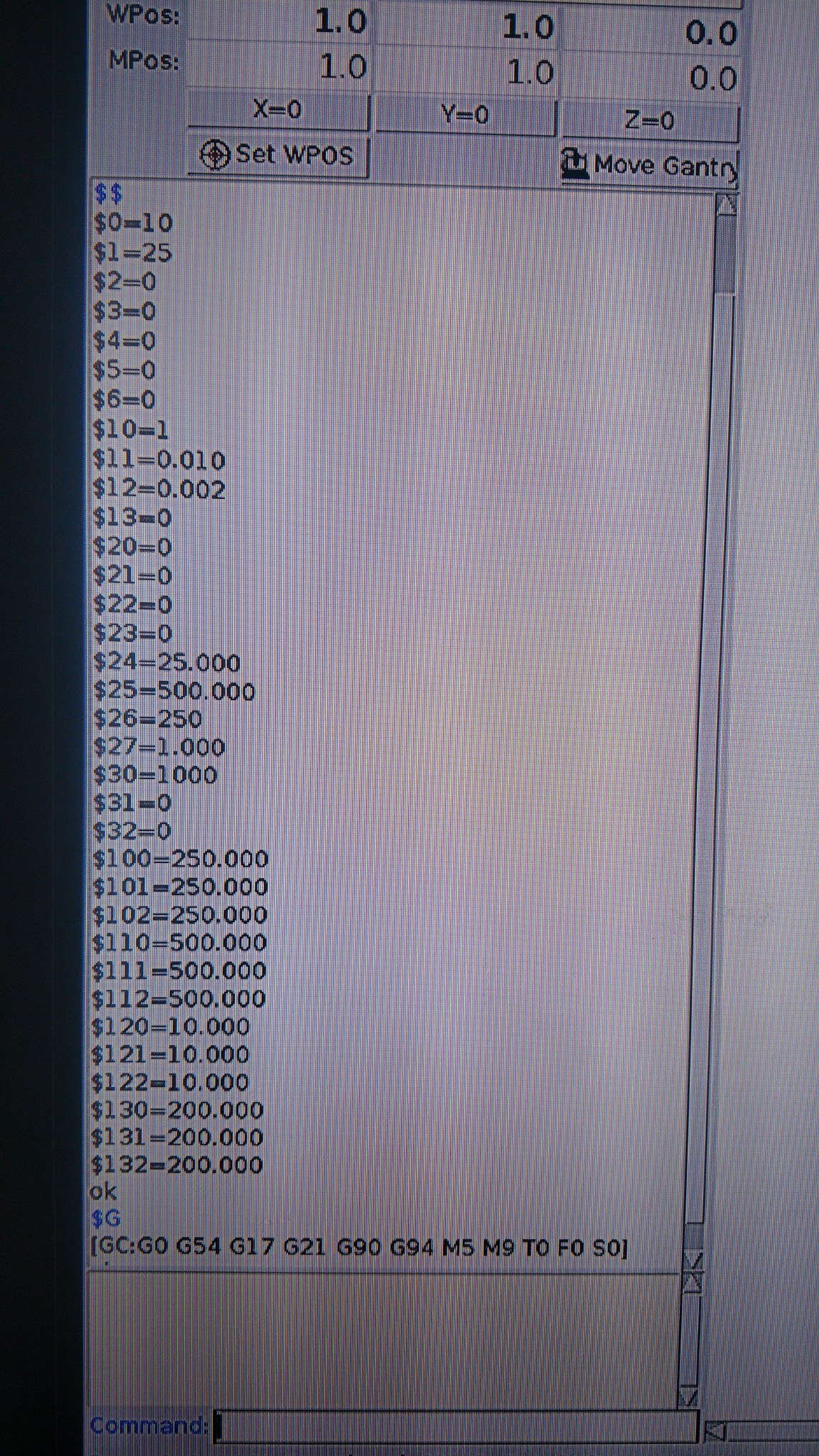
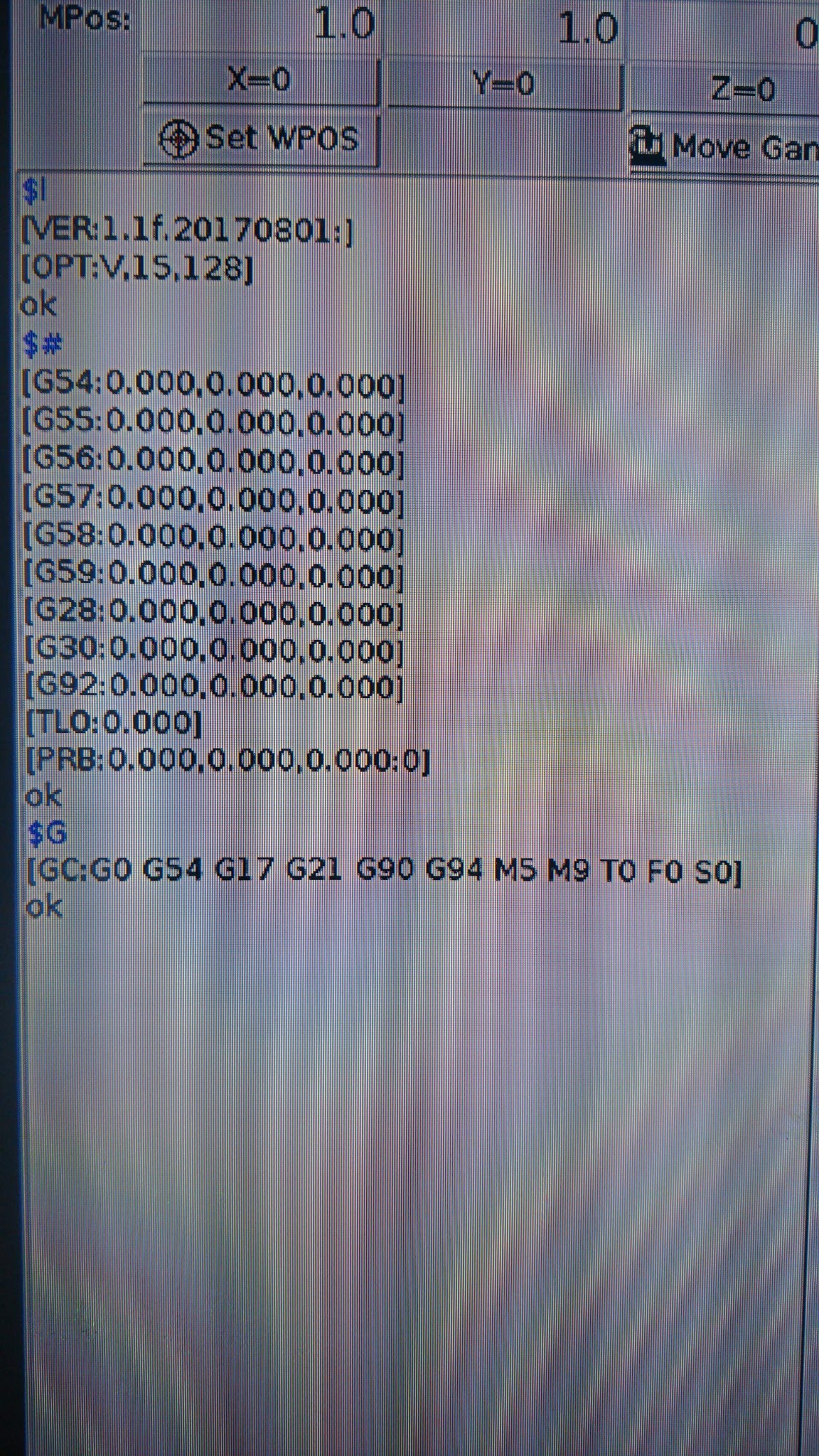
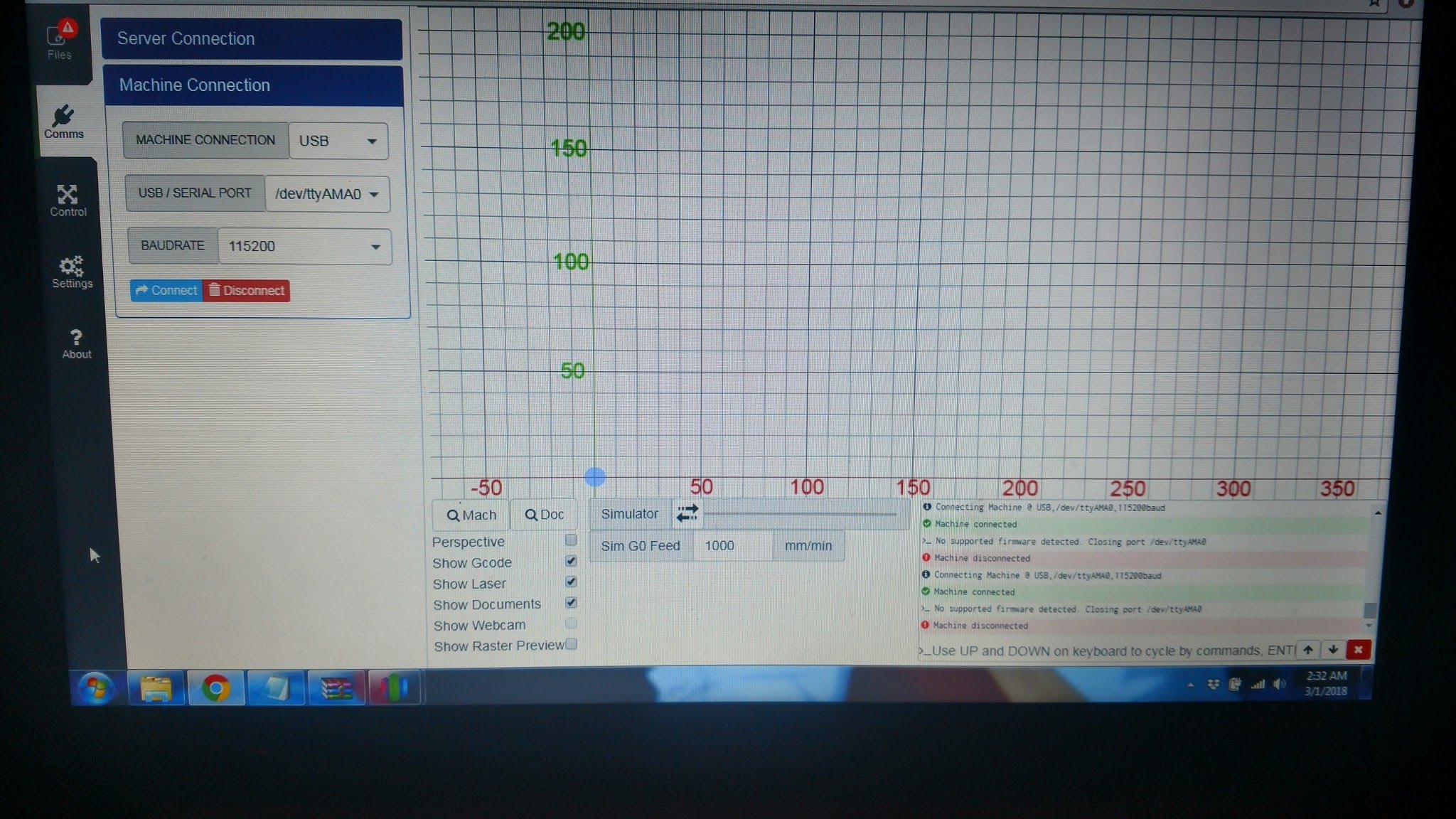
So I got laserweb4 installed on my pi3. I have a protoneer CNC hat(ie. An Arduino nano running grbl 1.1f through a serial port.) When I try connecting the machine through the comms settings in laserweb, I get disconnected with error saying no supported firmware found. I am accessing the correct port and buad and have laserweb4 set to generic grbl. Why will it not connect?

try rebooting your computer, I had a similar issue that was resolved by a reboot.
@Domm434 that didn’t work. Any other suggestions?
Ok figured it out. Need to reset the board after I click connect.
It was in the install instructions for the raspberry pi. But it doesn’t clearly detail what to title the file with the RESET_ON_CONNECT=1.
It just says this "
Some boards need a reset command after connecting (or will disconnect after a few seconds). To do that, you have to create a file called “.env” in the installation folder with the following content: RESET_ON_CONNECT=1"
I tried that but it didn’t work. You can’t just give a blank name to the file. And where exactly should it be saved? I got it to work manually by me clicking the reset button on the Arduino Nano. But would sure like it if I didn’t have to do that. Anyone know exactly how to do this?
@cprezzi can you help Alex with the env file?
@Alex_Hayden Just make a new text file, enter the line “RESET_ON_CONNECT=1” and save it as env.txt in the folder, where the lw.comm-server files are (same as server.js).
Then rename the file with the command line “cp env.txt .env”. That should do the trick.
Hint: Files that start with . are usually hidden from the user.
Hello, did you figure that out ? I have the same error, then I found out that I was stupid…
The machine is supposed to connect to the server, not the laptop you are running Laserweb frontend software.