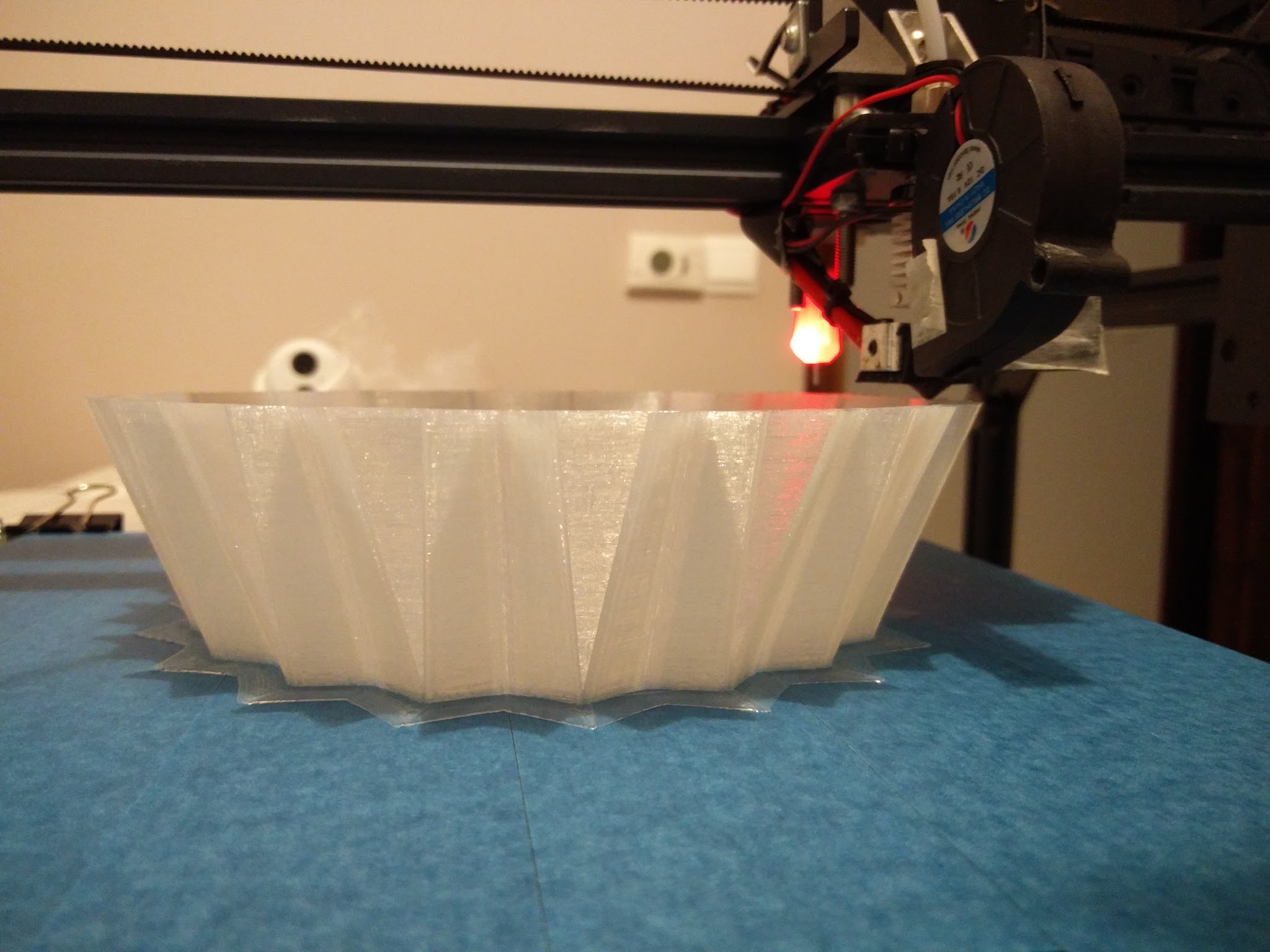
Zuzanna Lamp Shade Printing
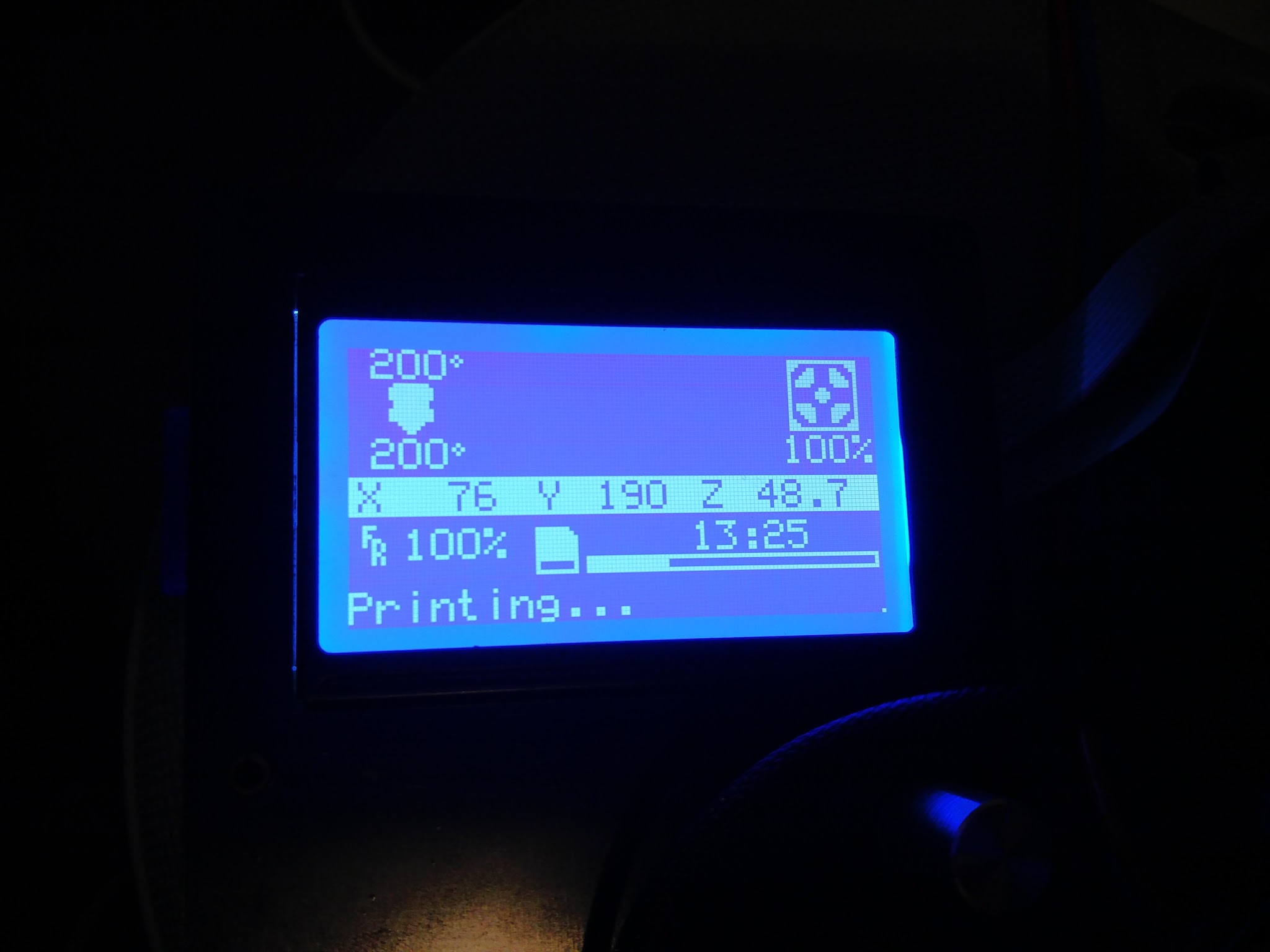
13 Hours and 25 mins in, and still going strong.
Wish me luck…
This is my first print to take days 
30mm/s @ 0.2mm resolution.
I installed a smoke alarm just in case 
In case anyone is interested in the design.
awesome design, still going ?
Yes, it should for the next 20 hours or so… The bottom line is the progress bar after 13 hours. I recon it may even take 30 hours more…
Why do you print it so slow?
Have to admit, I was wondering the same.
I wanted to get the best possible quality.
I’ll try print it faster next time round.
What speed do you recommend?
@Greg_Nutt , I built Rod’s WeldingRod Bot…
nice printing look so good
My experience with slow printing suggests that just like too fast, there’s a point of diminishing returns. At any rate, I have also discovered that with a well tuned machine, you can have just as good quality with 200mm/s as you can get with 50mm/s.
As respects to “recommended speed”, that’s going to be relative to how well your printer is tuned. I’d suggest a series of small tests at progressively higher speeds to see what your printer is presently capable of. You may also find that you may need to tune different parameters as you increase the speed. As you increase the speed fowards 100mm/s you will need to increase the hotend temperature by 5 degrees. You also may need to decrease the flow slightly. By the time I’m up to 250mm/s my hotend is usually around 215 degrees and the flow is down to 92% to compensate for the speed. I’d also suggest reducing acceleration from the default 3000 in Marlin to something a little more sane like 1000 to reduce waviness. I reduce jerk to 12 on XY also. Watch how your printer responds as you increase speed and you may find places to do additional tweaking. If the printer starts stuttering at a higher speed, dial it back as it will affect quality.
I’d second @Greg_Nutt 's comment. While quality can drop at high speeds, when you slow things down there will be a point at which errors related to speed simply stop and going any slower than that won’t increase quality further. In fact I’d suggest that going too slowly might start to introduce different errors or problems with the print.
Next print will be at 200mm/s,
I’ll post a time lapse for that