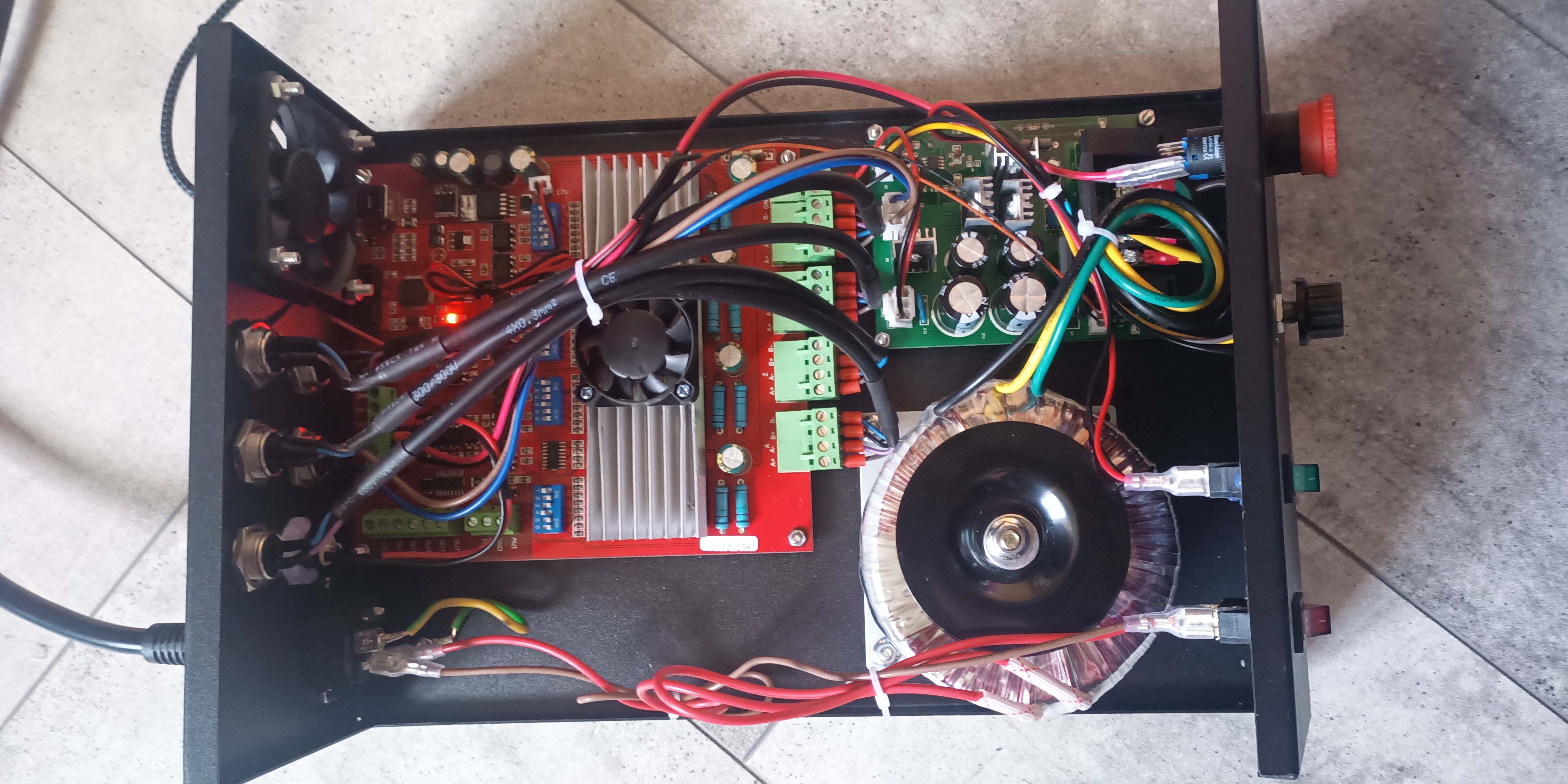
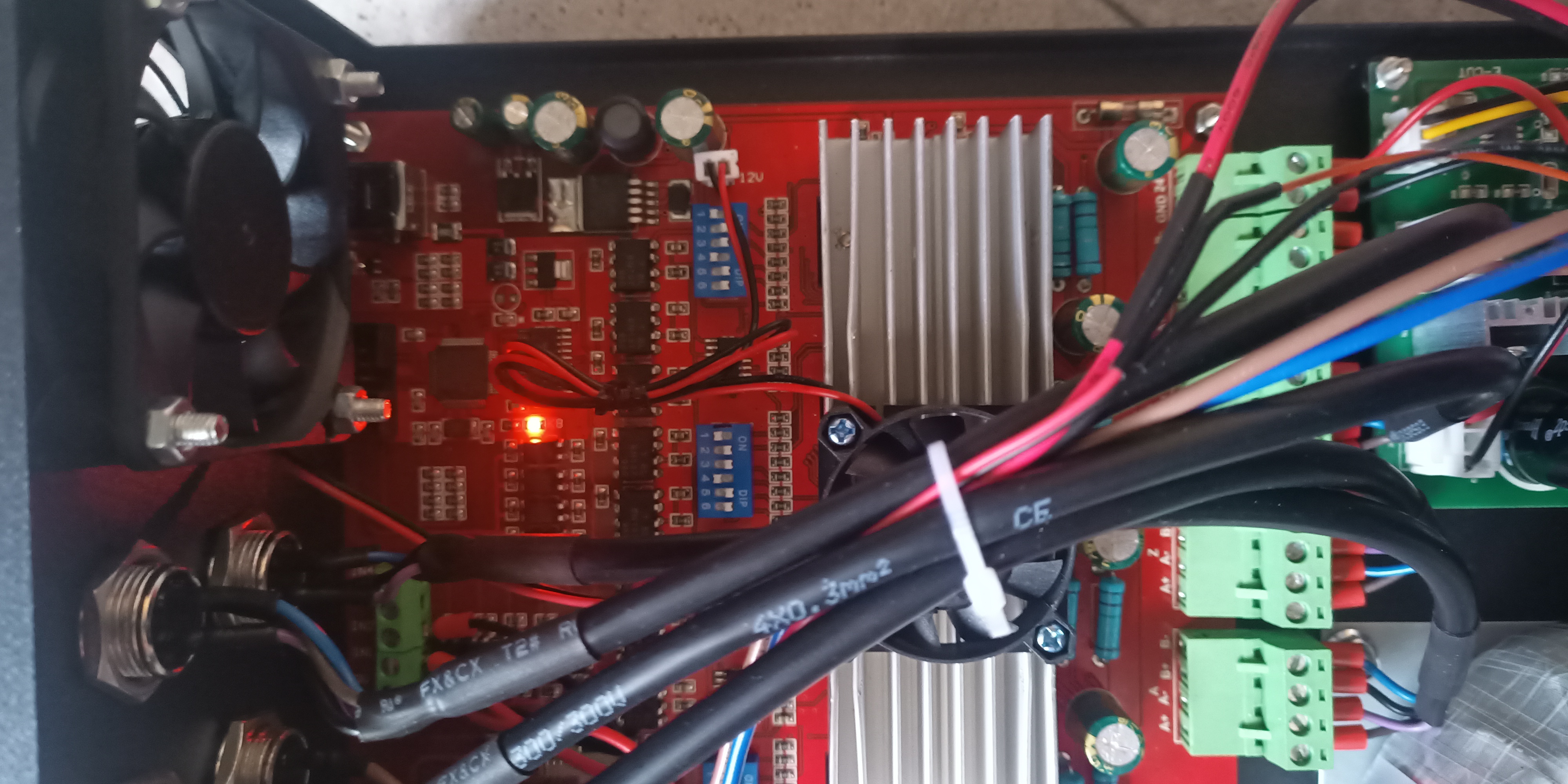
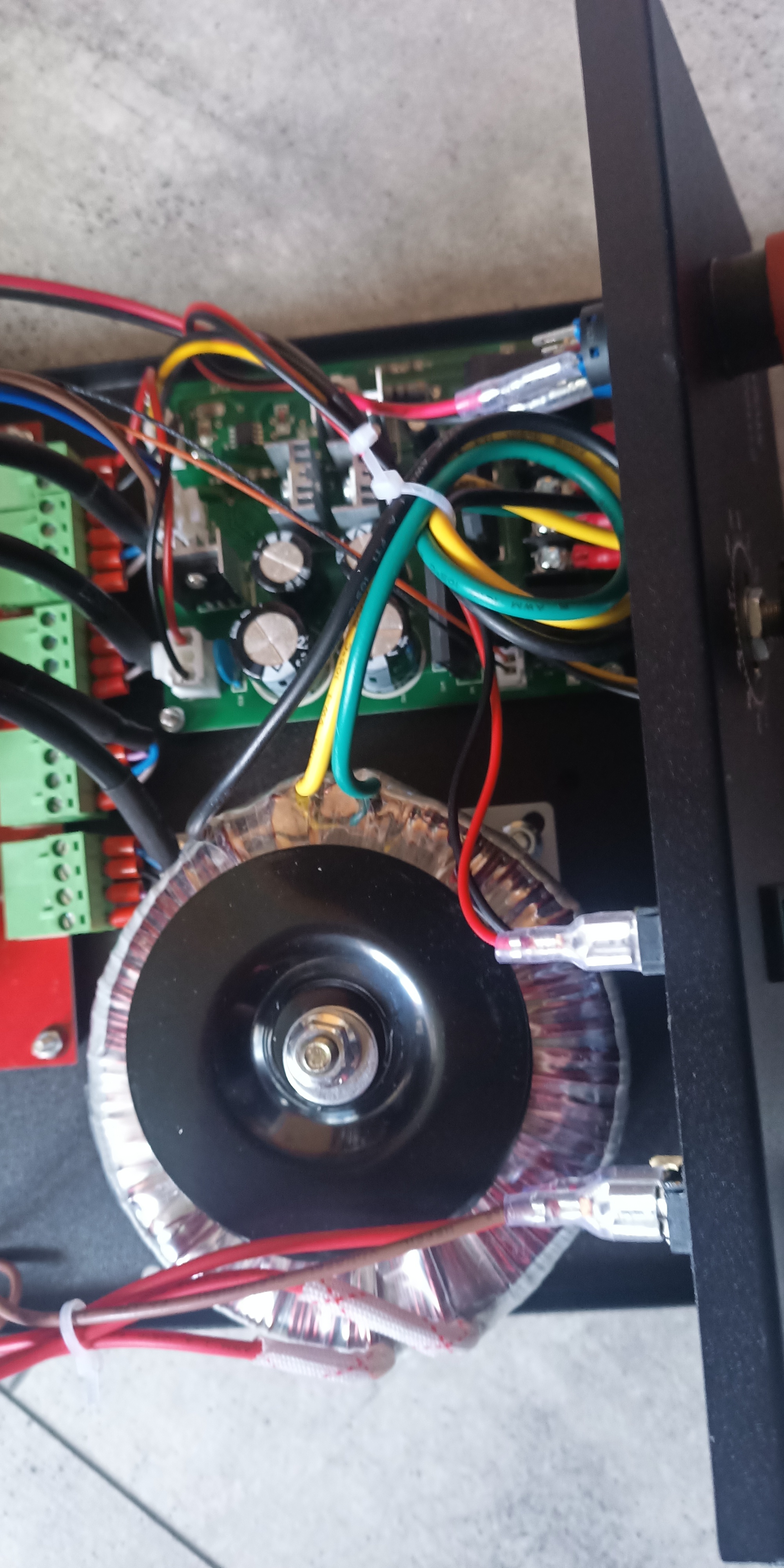
I’ve bought a 4 axis CNC mill for a little bit of wood working, but I tried using Mach3 (which was recomended for the CNC and it was on the included CD& USB-Stick) but it won’t budge, then I tried GRBL Control and again no movement, nothing.
Possible plan B would be to just buy another controllboard (GRBL or one that works with Estlcam), but if this works just fine and I did something wrong I would prefer the “plan A”.
Do you have any posible solutions?
Here’s the site I bought it from and some pictures of the controll circuit down below:
If you get sick of Mach. That CNC machine is very much like the machine I have and mine has a DB25 connector on the back of the control box. I wired an Arduino Nano to a DB-25 adapter(wire screw connectors) but there are direct to Arduino shields( https://www.cnc4pc.com/db25-motion-controller-arduino-shield.html ). You can see the control labels and pin numbers on that page.
I’ve use bCNC, F-Engrave, CNCjs to control it since it’s just GRBL and most all software can communicate with GCode. I’ve used Kiri:moto to generate tool paths. http://grid.space